← All Posts

Hashim Sultan

Jan 2, 2026
Table Of Content
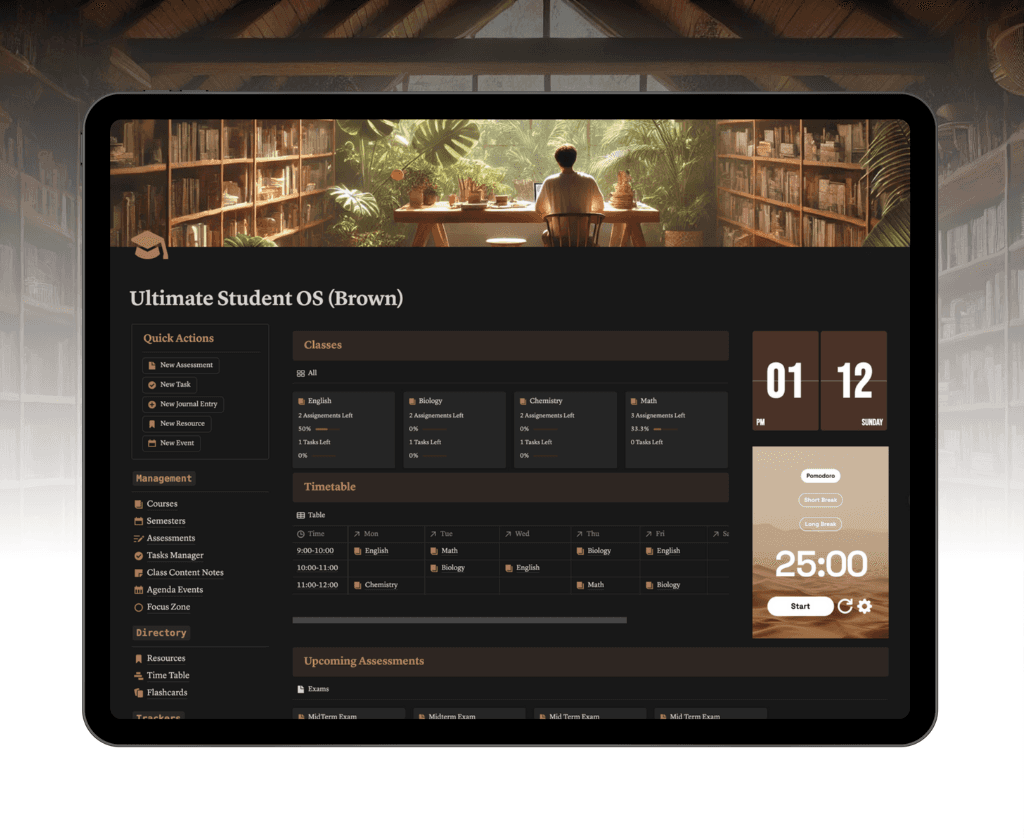
Digital planning has exploded in 2026, with Notion leading the way for streamlined weekly productivity. As more users seek an all-in-one solution, the right week planner notion template can transform how you organize your personal, professional, or academic life.
This article spotlights the 10 best week planner notion template options, each tailored for different workflows and goals. You will discover why choosing the best template is crucial, learn what features to look for, and get direct links to top picks. Ready to elevate your planning and productivity? Explore the templates ahead.
Why Use a Notion Week Planner Template in 2026?
The landscape of digital productivity has dramatically shifted in 2026. Remote work, hybrid teams, and personal project management have become the norm. Users now demand flexible, all-in-one solutions that adapt to their evolving routines. The rise of customizable tools like Notion has fueled a surge in the adoption of digital planners. According to data from Notion’s marketplace, weekly planner templates are among the most duplicated resources, reflecting their essential role in organizing tasks, tracking goals, and building positive habits.
The Evolving Needs of Digital Productivity
As work environments become more decentralized, individuals juggle multiple roles and projects. The demand for adaptable week planner notion template options has skyrocketed. Users seek planners that can handle academic schedules, professional deadlines, and personal goals in one place. Notion’s template marketplace has reported a 35% year-over-year growth, with over 10 million users accessing weekly planners. This trend highlights a universal need for tools that streamline weekly task management, goal tracking, and habit formation.
Notion’s Unique Advantages as a Planning Platform
Notion stands out with its modular block system, allowing users to build anything from simple lists to complex databases. Unlike traditional paper planners or single-purpose apps, Notion offers seamless integration with calendars, automation tools, and external databases. The platform’s AI features, such as smart scheduling and task automation, further enhance the week planner notion template experience. This flexibility empowers users to create personalized workflows that evolve with their needs.
Key Features to Look for in a 2026 Weekly Planner Template
When choosing a week planner notion template, prioritize features that drive productivity and motivation. Look for:
Drag-and-drop scheduling
Recurring tasks and reminders
Built-in habit and goal trackers
Visual dashboards for weekly overviews
Calendar and device sync
Aesthetic design is also crucial. Templates that are visually appealing boost daily engagement. Adaptability ensures that students, professionals, and teams can all find the right fit for their organizational style.
10 Best Week Planner Notion Template Picks for 2026
Choosing the right week planner notion template can be transformative in 2026. With Notion’s evolving ecosystem, there is a diverse array of templates designed for every planning style and productivity need.
Below, we explore 10 standout week planner notion template options, each tailored to specific users, workflows, and ambitions.
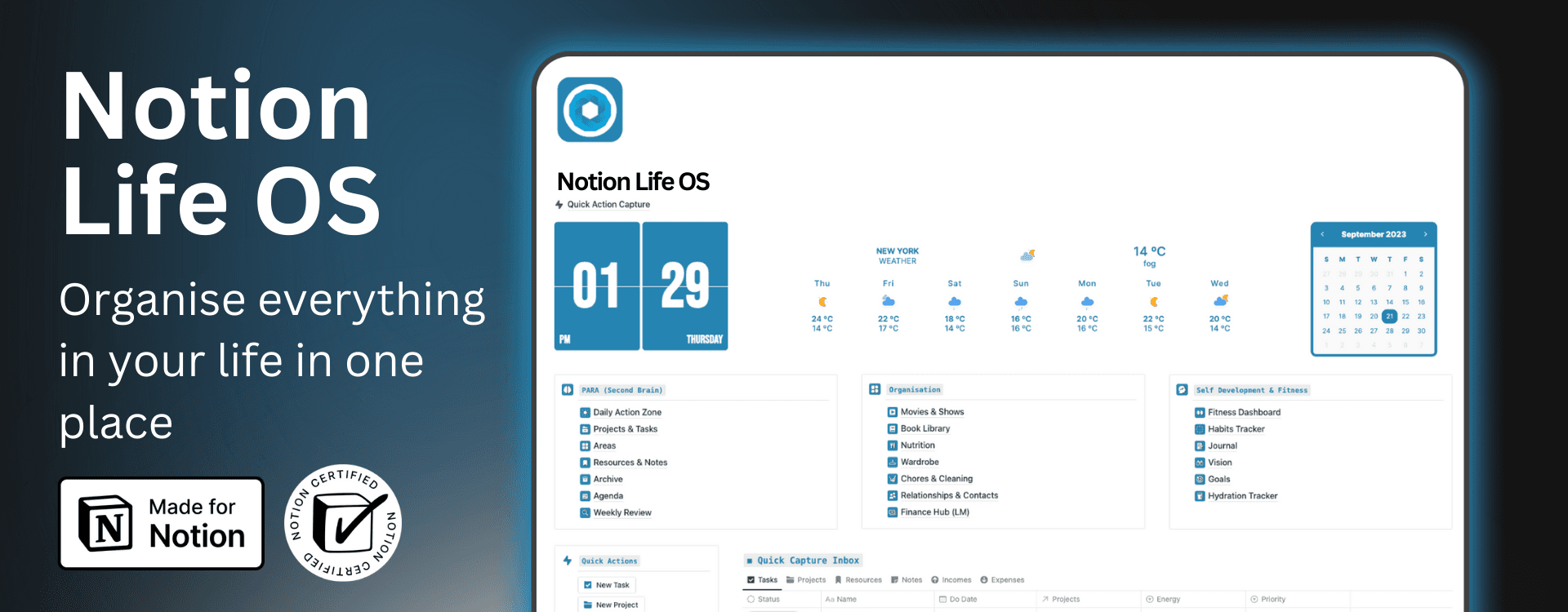
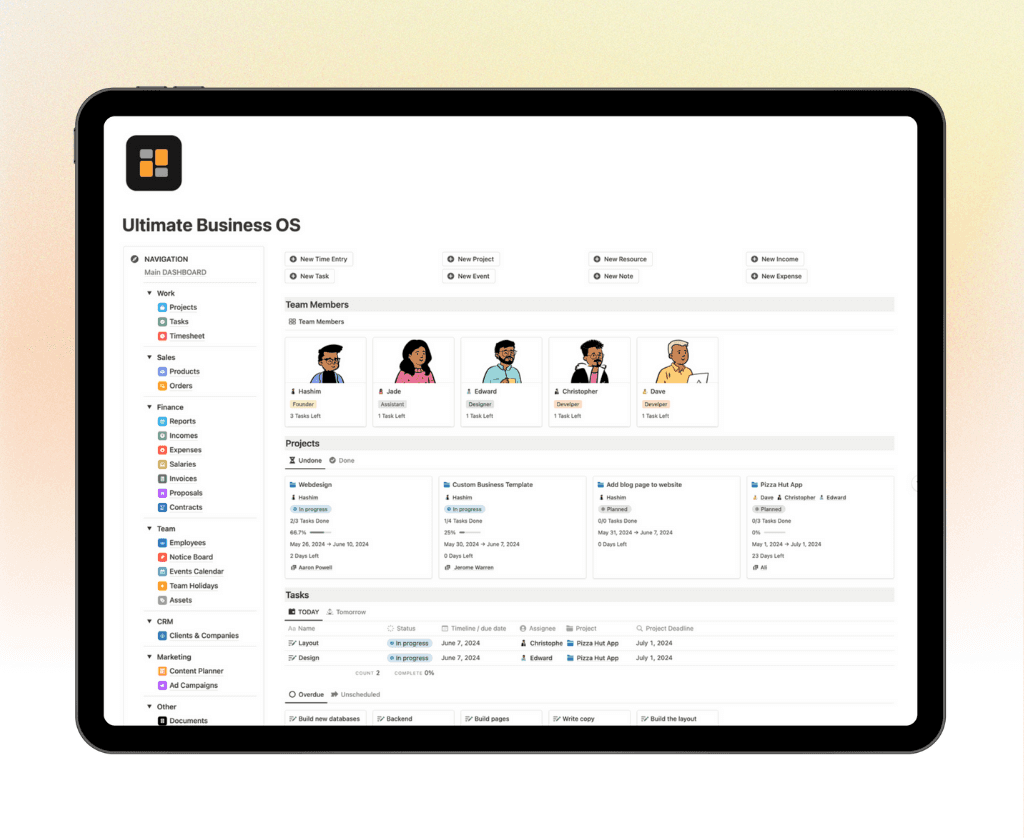
Ultimate Life OS – Notion4Management
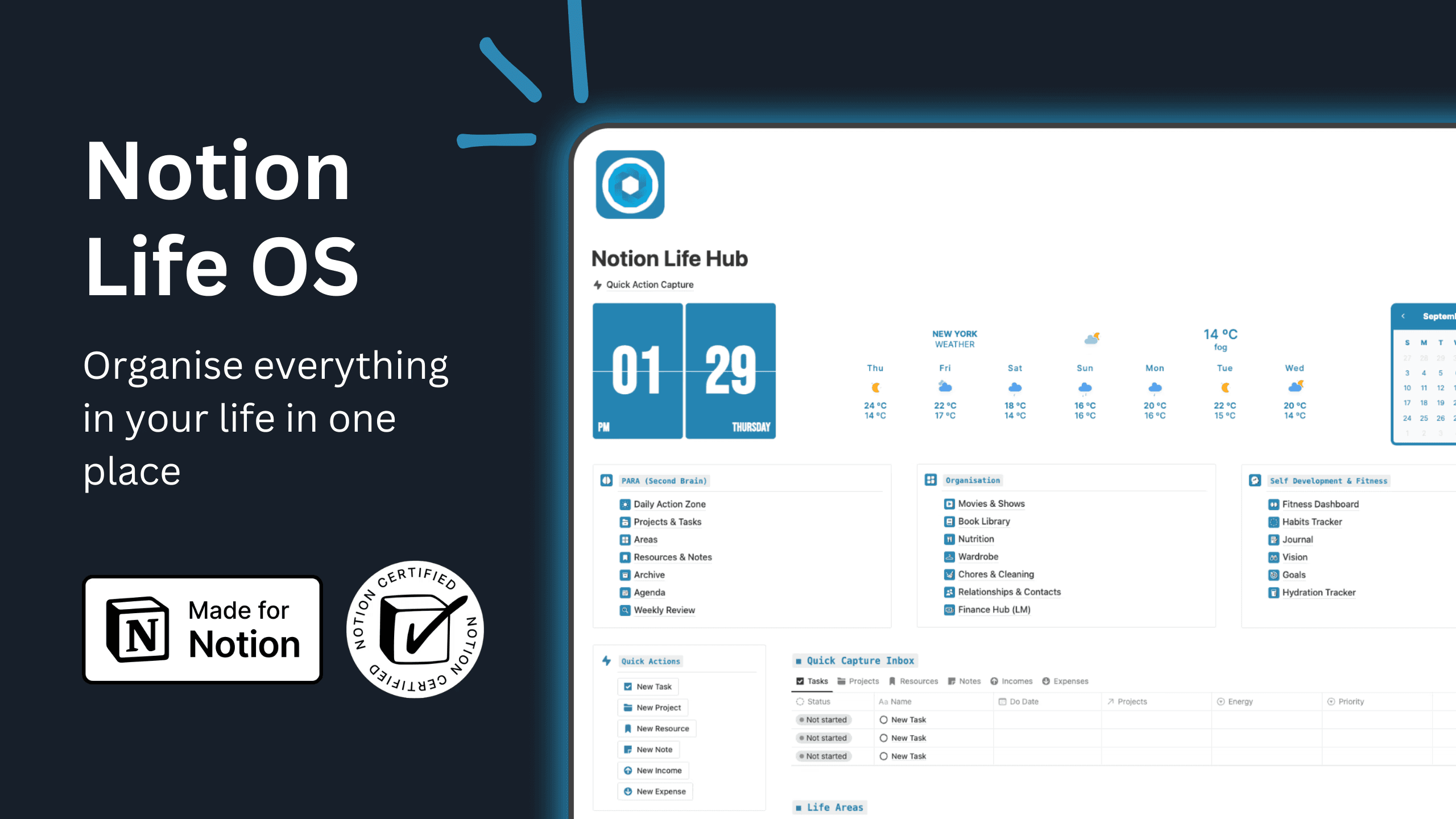
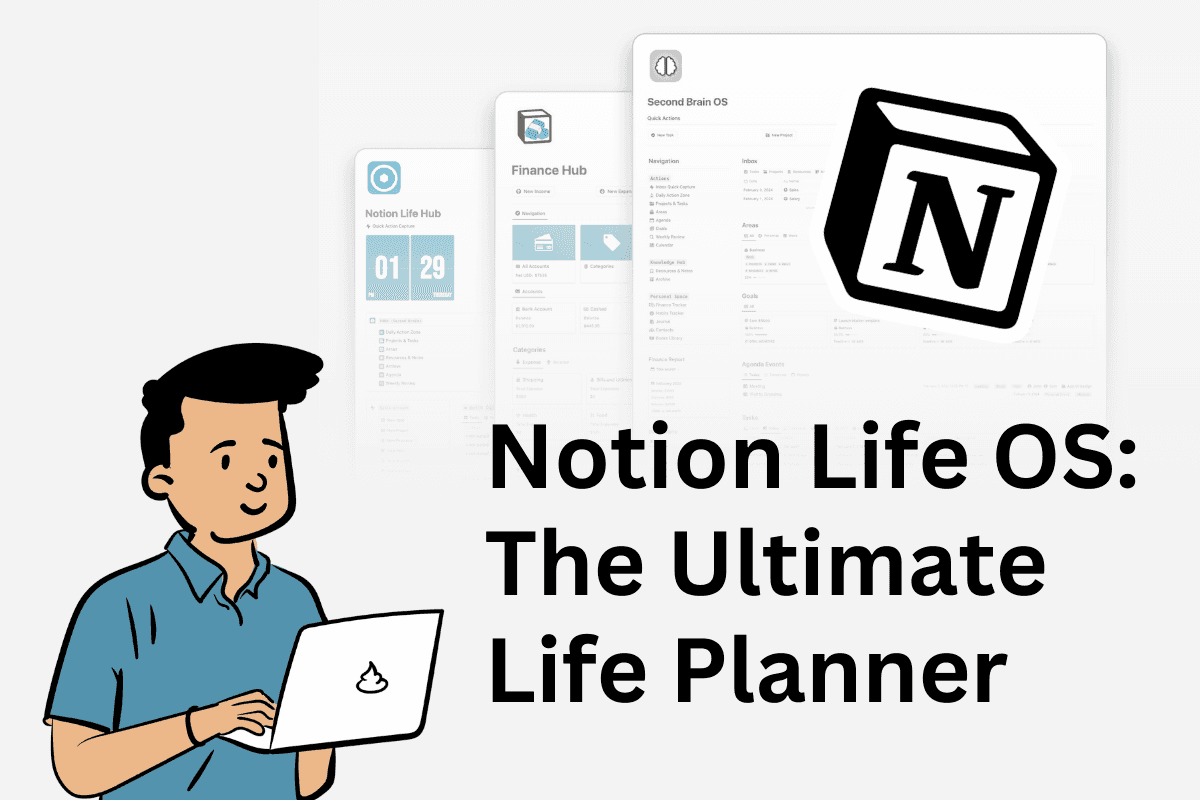
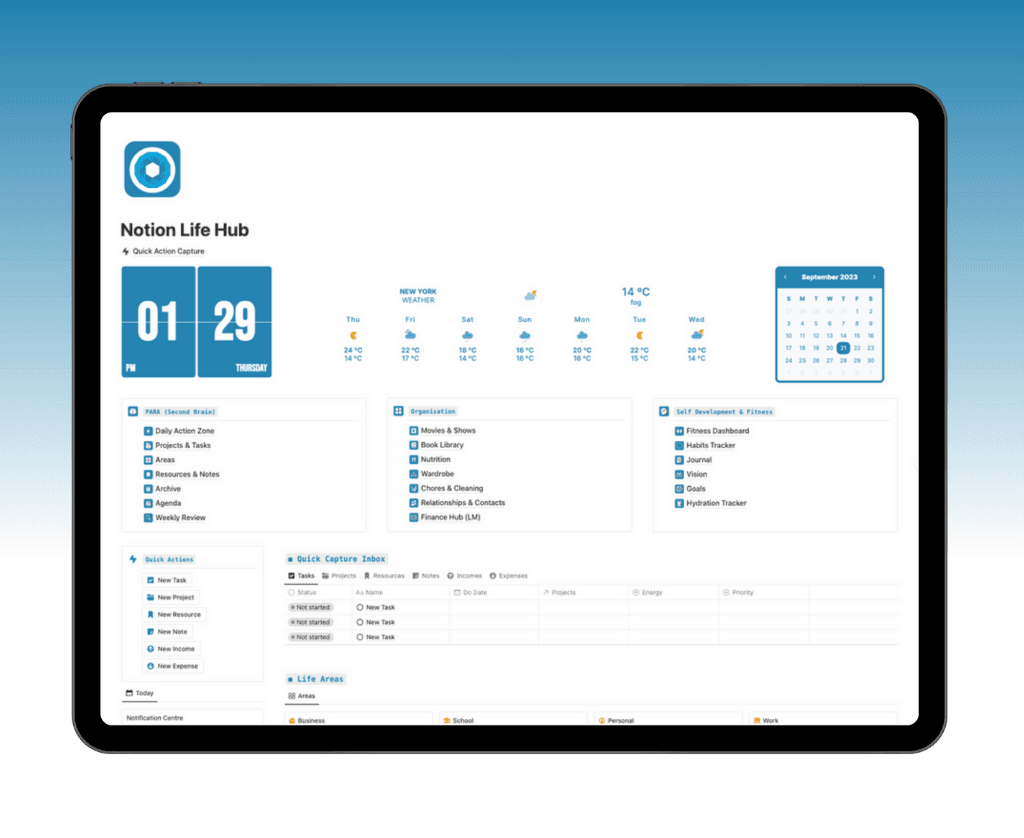
Ultimate Life OS is a comprehensive week planner notion template that brings together all aspects of life and work into a single dashboard. Priced at $39 or as part of the Ultimate Bundle, it offers weekly, daily, and monthly planning, integrated habit and goal trackers, and second brain functionality.
You get customizable widgets and visually engaging layouts that motivate consistent use. This template is perfect for productivity enthusiasts, creators, and professionals balancing multiple life areas.
Pros include lifetime updates and expert support, while initial setup may take some time. Over 30,000 users globally have adopted it, leveraging PARA and GTD frameworks for holistic management.
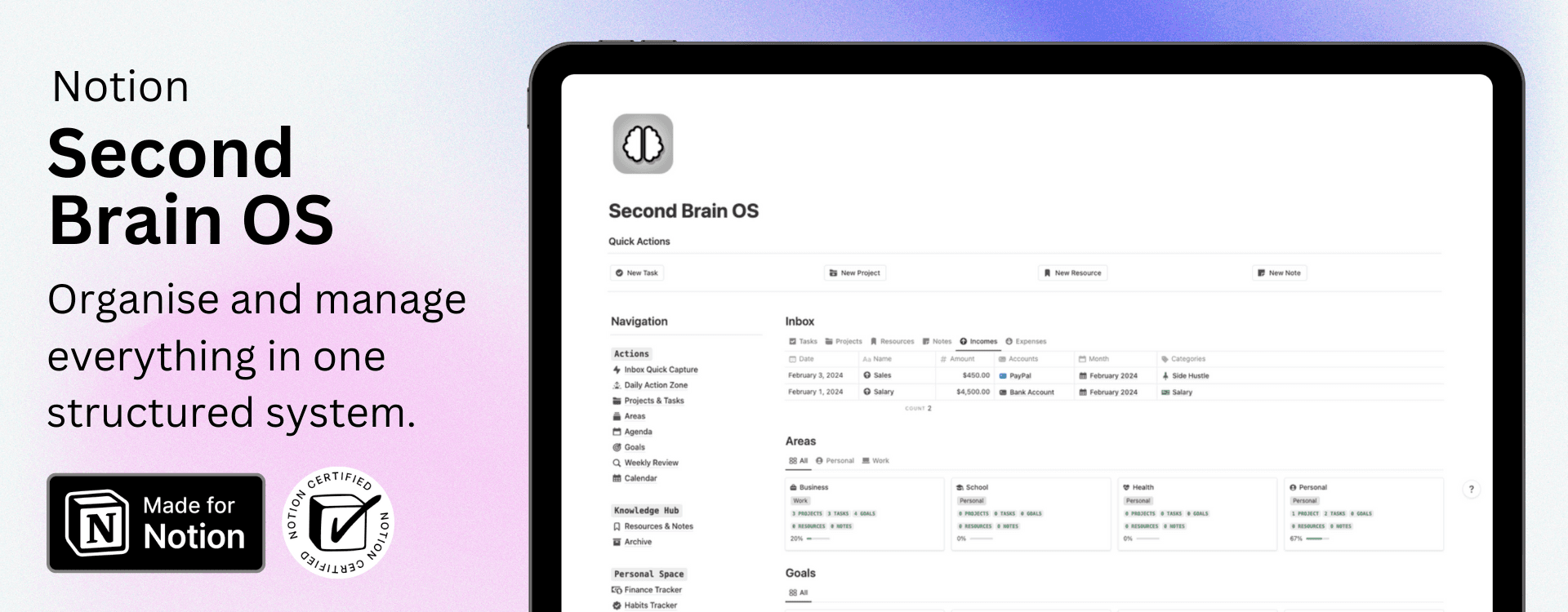
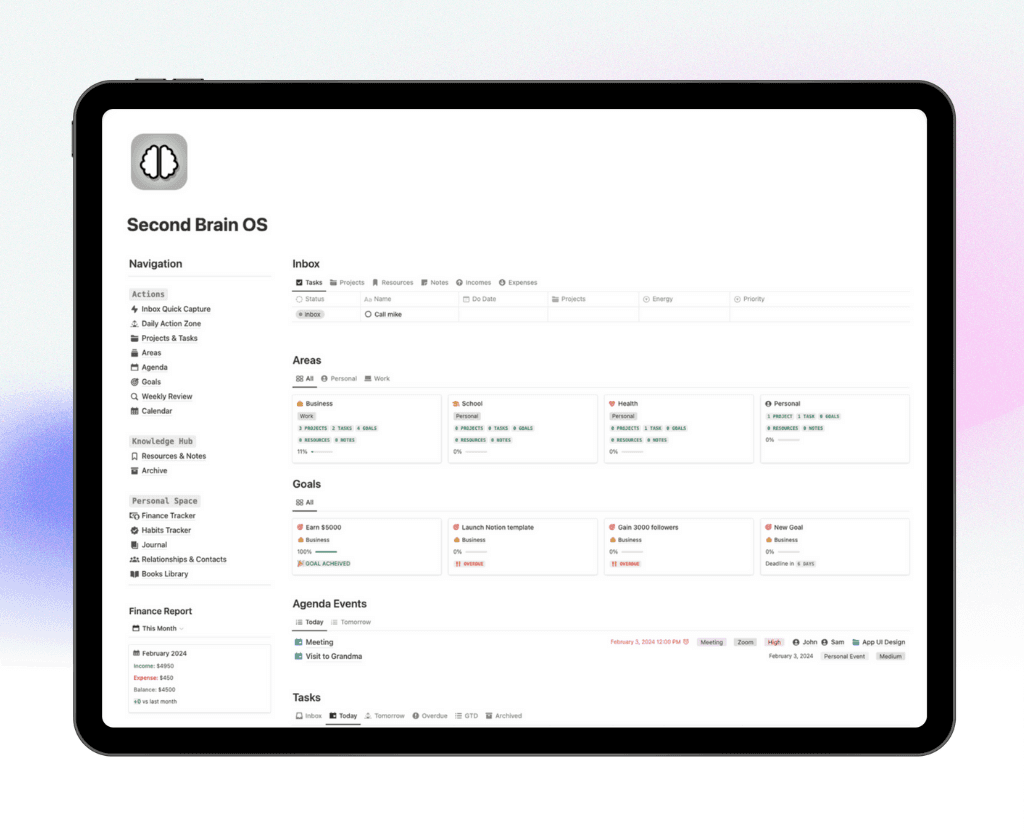
Second Brain OS – Notion4Management
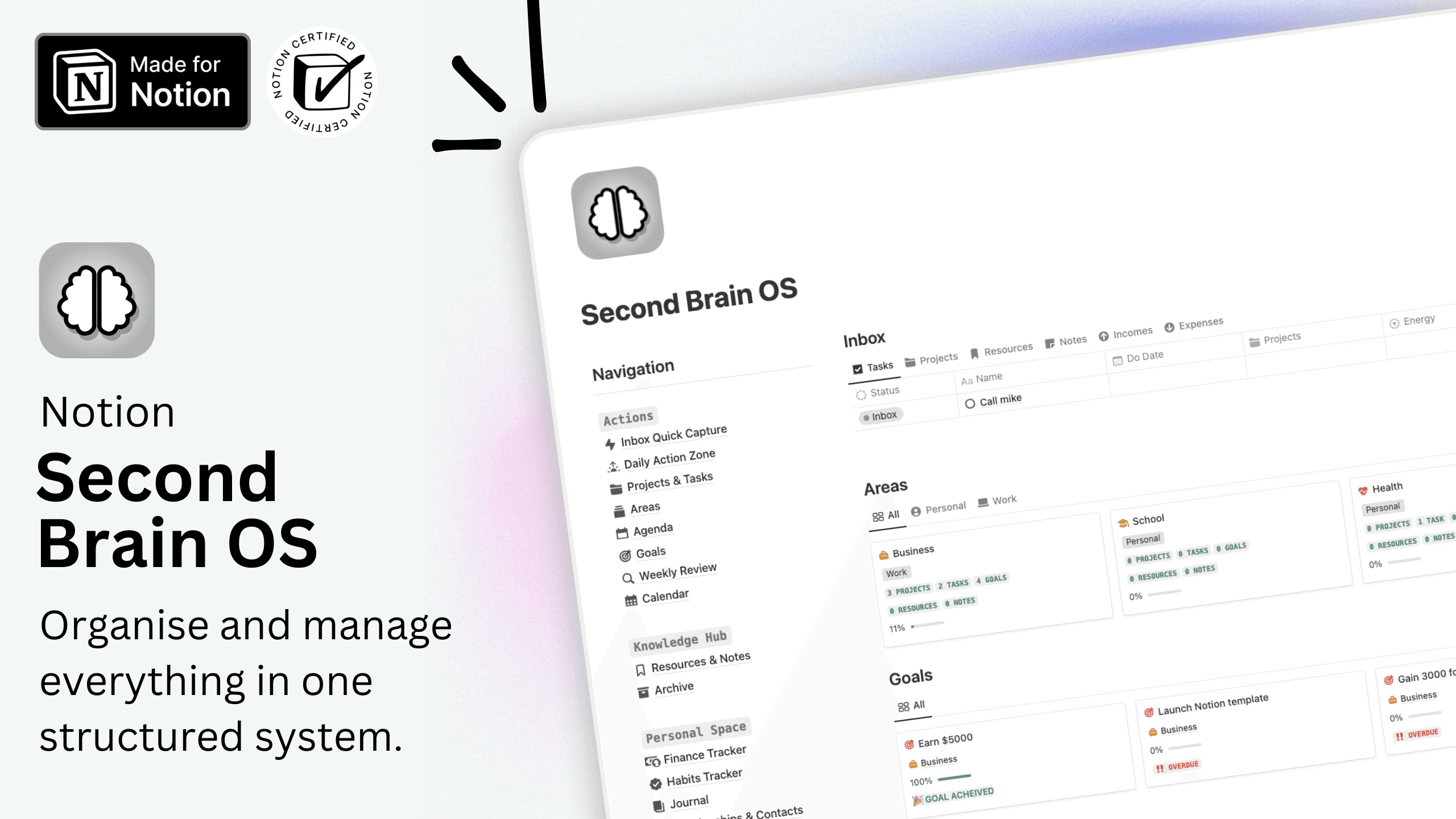
Second Brain OS excels as a week planner notion template focused on knowledge management and creative workflows. Available for $39 or within a bundle, it allows you to capture, organize, and retrieve weekly tasks, goals, and ideas seamlessly.
The template’s deep linking and robust documentation enhance creativity and reduce overwhelm. It’s ideal for creators, students, and knowledge workers who want a tight connection between notes and tasks.
Aesthetic 2026 Weekly Planner (Easy & Minimal)
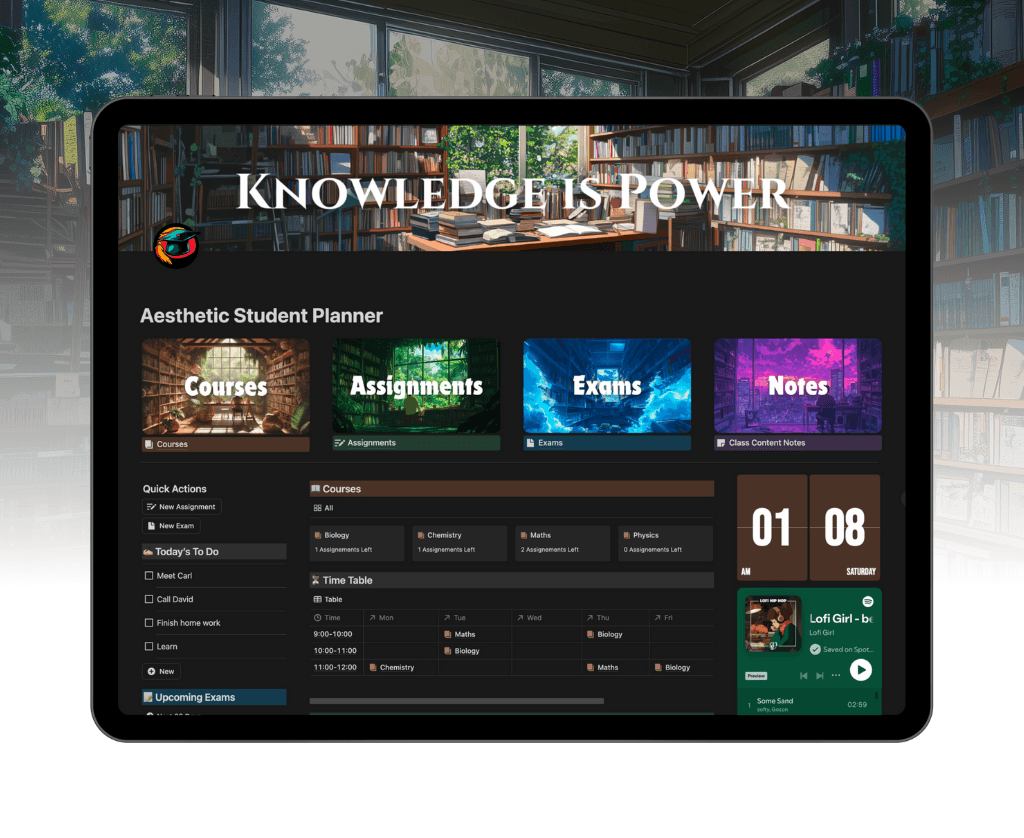
This free week planner notion template offers a minimalist layout that makes weekly planning visually pleasing and straightforward. Drag-and-drop task management, a built-in habit tracker, and calendar integration help users stay organized without unnecessary complexity.
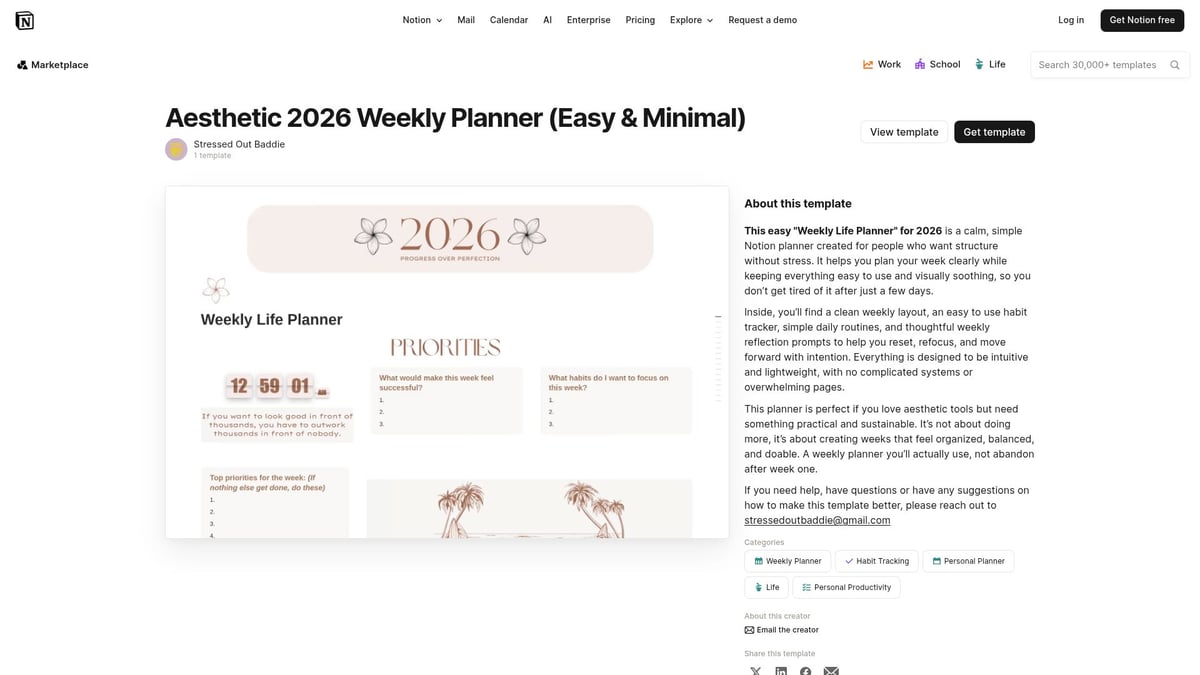
It is especially popular among students, young professionals, and anyone who values simplicity. There’s no steep learning curve, and it works smoothly on mobile devices.
While advanced features are limited, its clean design and ease of use have made it a favorite in Notion’s template gallery through 2025 and 2026.
Simple Weekly Planner – Notion Nifties
For those seeking a straightforward week planner notion template, Simple Weekly Planner delivers. This free template provides a clear weekly task list, daily breakdowns, and focused to-do sections.
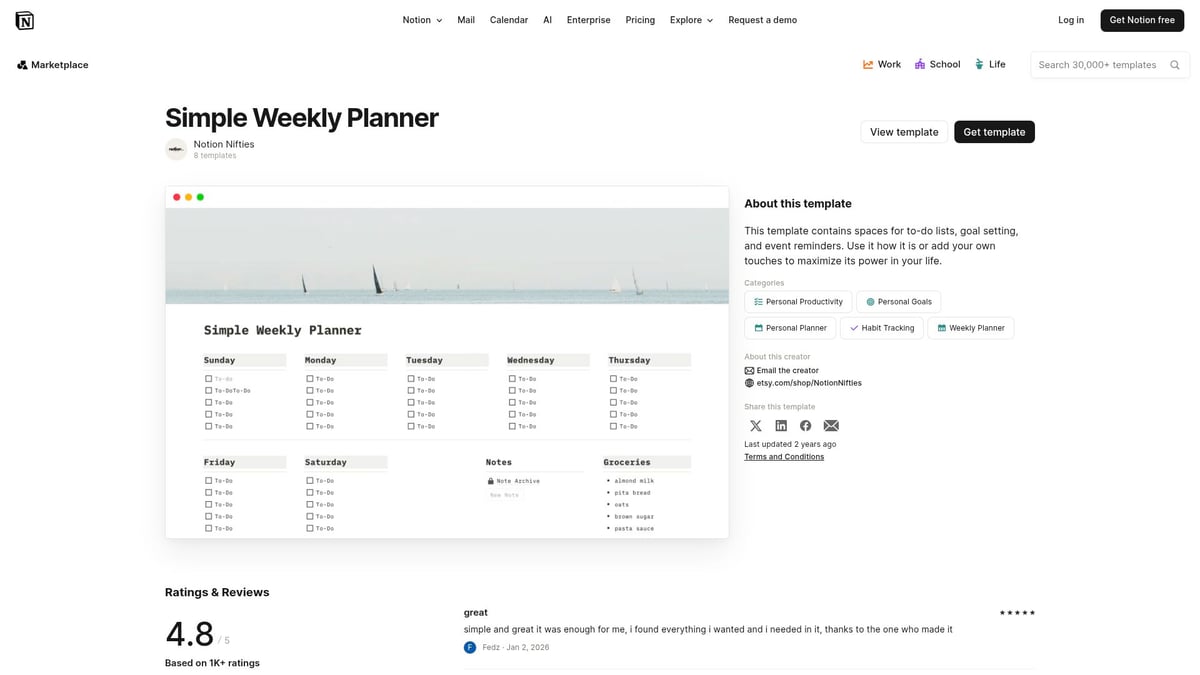
It’s designed for busy professionals, freelancers, and Notion newcomers who want rapid setup and an uncluttered workspace. The lightweight build makes duplication and onboarding simple.
However, it may not suit users needing complex project tracking. Its popularity is clear from frequent duplications in Notion’s marketplace.
Minimalist Weekly Planner ver.2 – Maro Creations
Minimalist Weekly Planner ver.2 prioritizes focus and clarity. This free week planner notion template features a week-at-a-glance layout, task and progress columns, and a habit tracker.
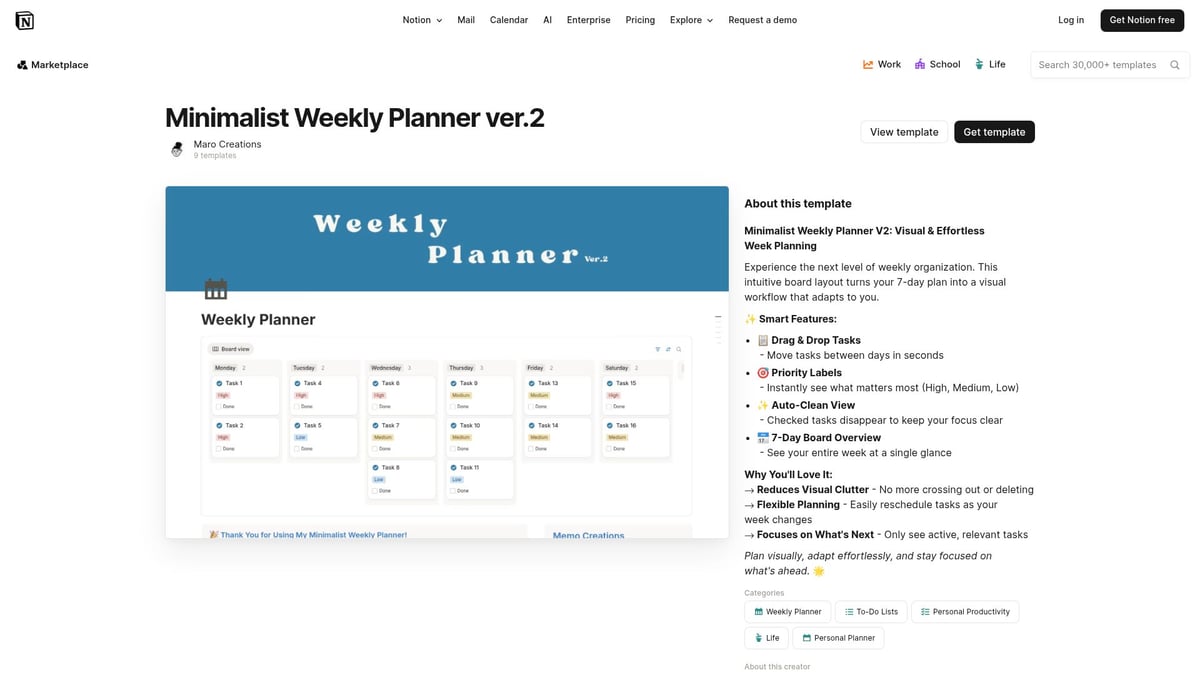
The clean interface supports distraction-free planning and adapts to any workflow, making it a top choice for minimalists, students, and solo entrepreneurs.
Although it lacks advanced automation, users consistently rate it highly for simplicity and effectiveness.
Weekly Task List – Aliah Kaminski
Weekly Task List is built for managing multiple projects and team collaboration. This free week planner notion template includes a categorized task database, status tracking, priority tags, and a calendar view.
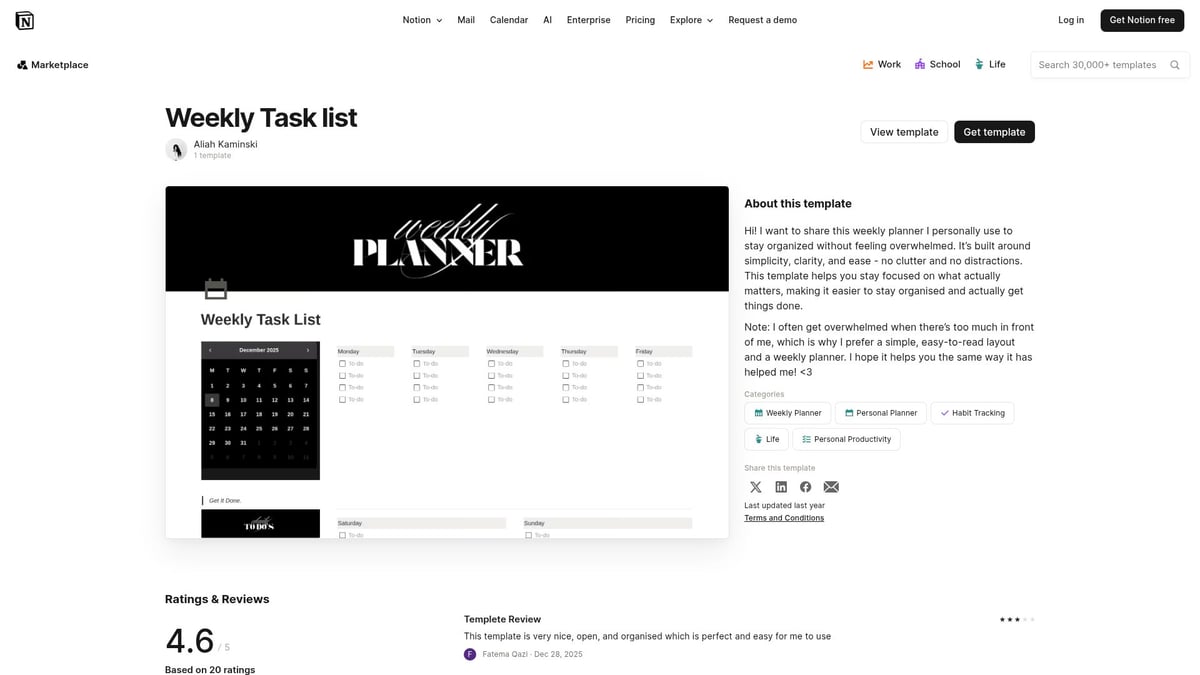
Project managers, multitaskers, and teams benefit from its detailed tracking and flexible views. It enables collaborative weekly sprint planning and status updates.
The learning curve is slightly higher, but the template’s versatility makes it a staple for small teams and project-driven environments.
Weekly ToDo – ErenElagz Arts.
Weekly ToDo is a simple, motivating week planner notion template that supports habit formation and daily reviews. Its free structure focuses on weekly to-do boards, progress checklists, and daily highlights.
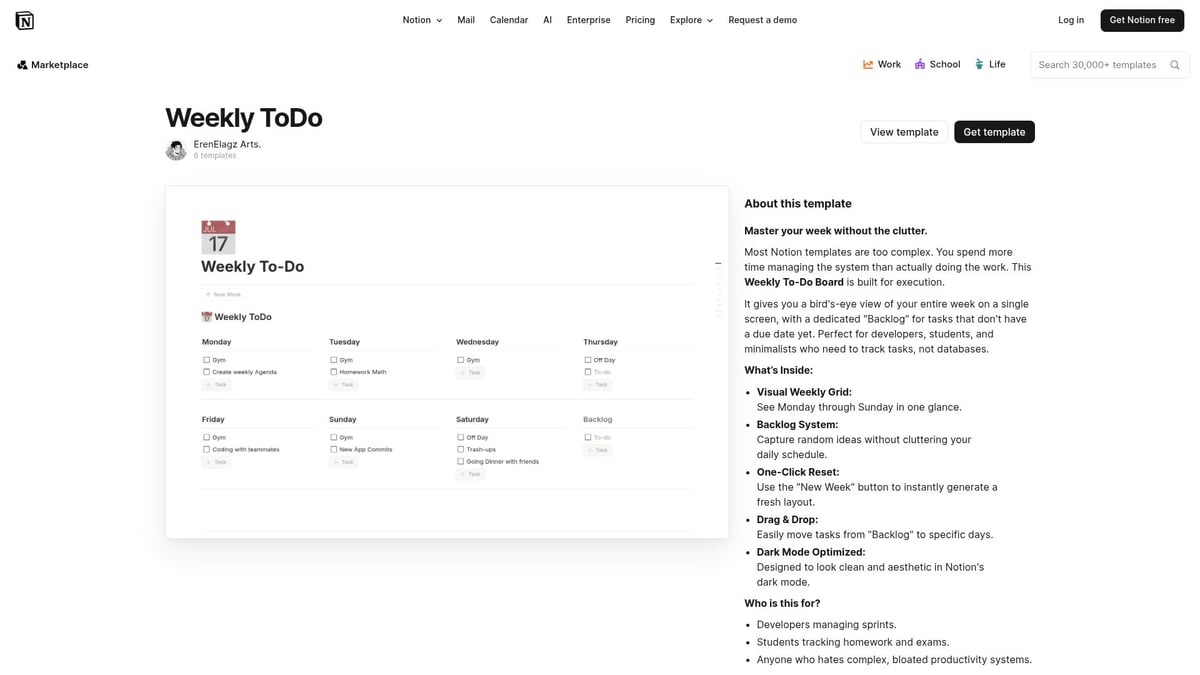
Individuals aiming to establish structured routines and track habits find it highly effective. Quick to set up, it encourages consistent check-ins.
Manual archiving is sometimes needed, but its popularity among students and productivity enthusiasts speaks for itself.
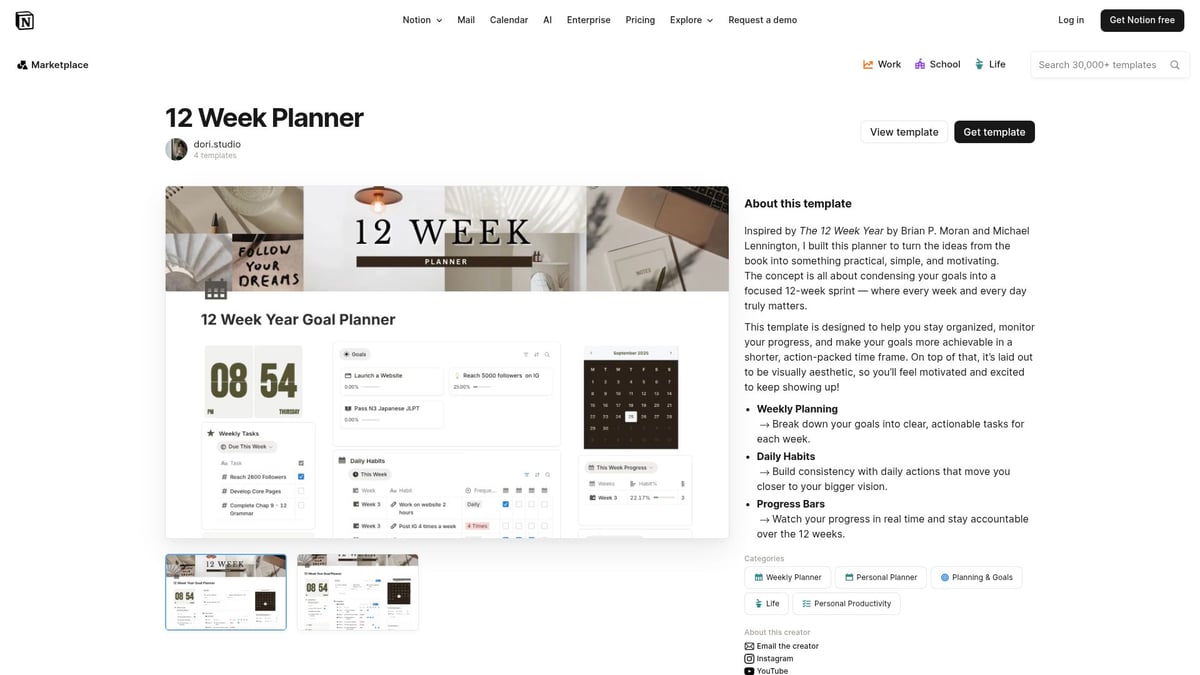
12 Week Planner – dori.studio
The 12 Week Planner focuses on long-term weekly structure, quarterly goal setting, and review cycles. This week planner notion template suits goal-driven users, entrepreneurs, and students who need to track progress over extended periods.
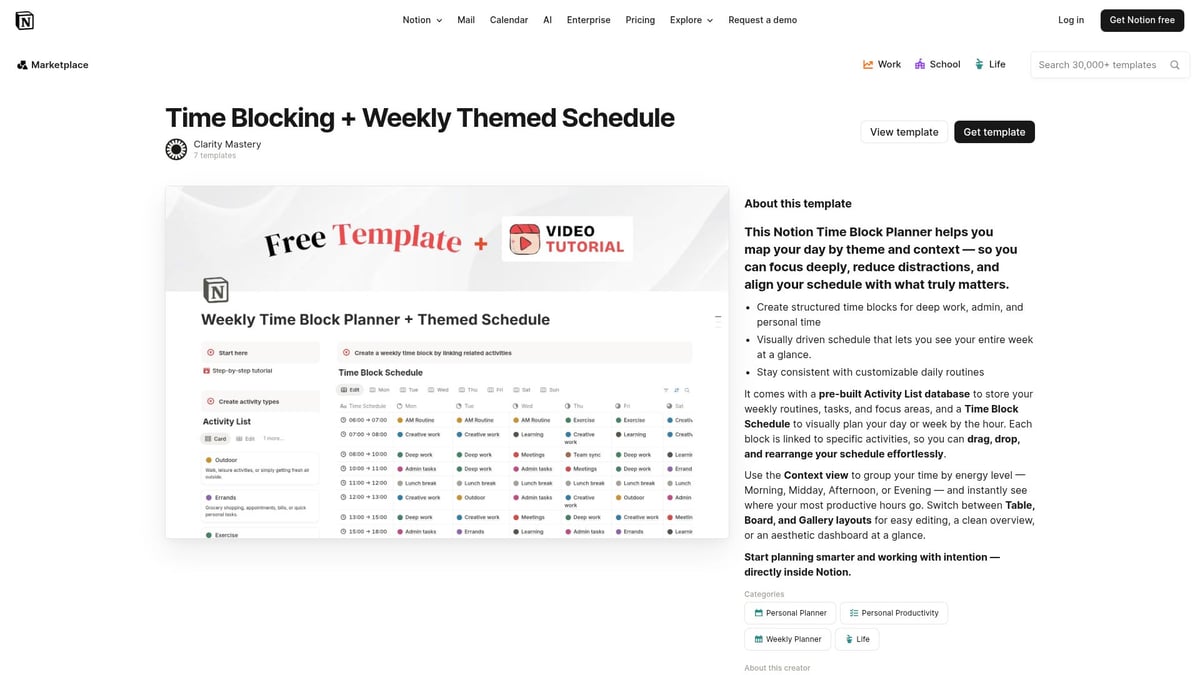
Time Blocking + Weekly Themed Schedule – Clarity Mastery
Time Blocking + Weekly Themed Schedule is ideal for those who value time blocking, themed days, and productivity optimization. This week planner notion template is especially useful for creators, freelancers, and professionals managing multiple roles.
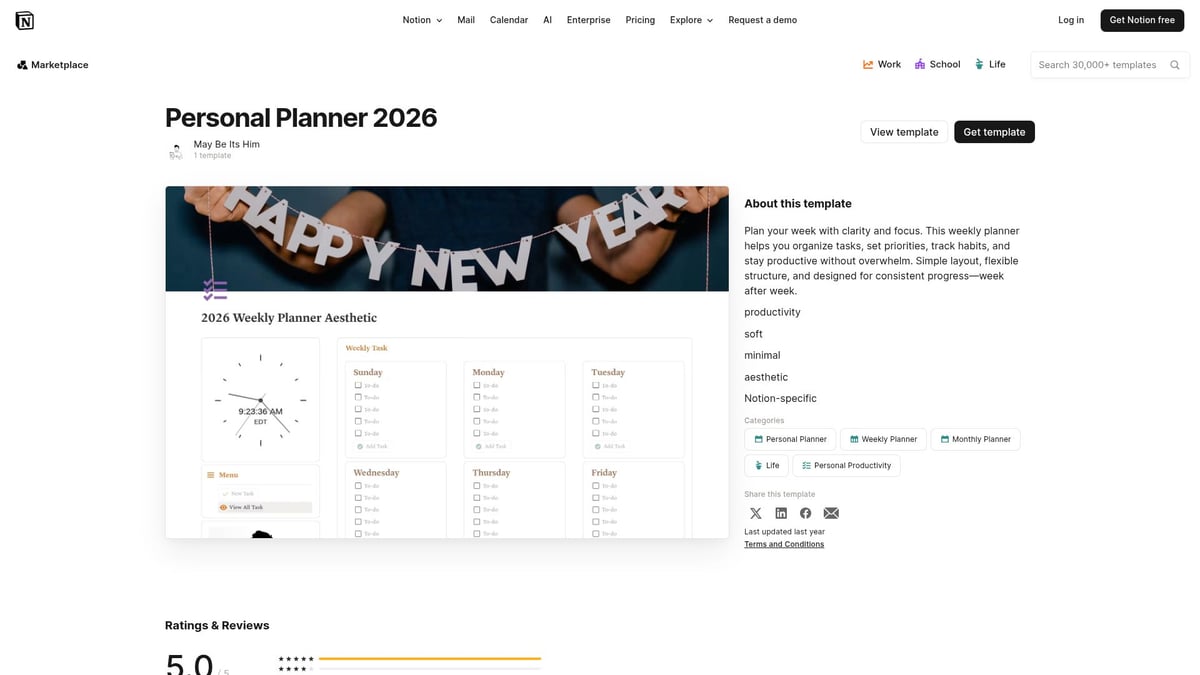
Personal Planner 2026 – May Be Its Him
Personal Planner 2026 blends personal, academic, and professional planning in a single week planner notion template. Its versatility makes it a great fit for students and multi-passionate individuals.
Explore even more templates in the Free Notion Templates Collection for additional week planner notion template choices tailored to your needs. With so many quality options, finding a template that supports your goals has never been easier.
How to Get Started with Your Chosen Notion Weekly Planner
Choosing the right week planner notion template is only the first step. Setting up your template for daily use ensures you unlock its full productivity benefits. Let’s walk through the essentials for a smooth start, from duplicating your favorite template to optimizing your workflow and joining the Notion community.
Duplicating and Setting Up Your Template
Start by duplicating your chosen week planner notion template into your workspace. Click on the ‘Duplicate’ button at the top right of the template page. This instantly adds the full layout—whether it’s Ultimate Life OS, Second Brain OS, or another favorite—to your Notion account.
Once duplicated, personalize your template:
Add your name or brand logo.
Update default widgets and dashboards.
Adjust the navigation for quick access.
For example, if you select the Ultimate Life OS, spend a few minutes renaming sections and hiding unused features. This ensures your week planner notion template aligns with your daily routine and avoids clutter.
Customizing for Your Workflow
Every user brings unique needs to their week planner notion template. Tailor the structure to match your style:
Add or remove databases for projects, classes, or clients.
Adjust task views—try switching between board, table, or calendar layouts.
Set up recurring tasks for habits or meetings.
For professionals, integrating a habit tracker or project dashboard boosts efficiency. Students might add reading logs or assignment checklists. Templates like Weekly Task List or Weekly ToDo offer flexible starting points for these tweaks. Custom color coding and icons can make your planner both functional and motivating.
Integrating with Other Productivity Tools
To maximize your week planner notion template, connect it with your favorite productivity apps. Most templates, such as Second Brain OS and Weekly Task List, support calendar syncs and reminders. Sync with Google or Apple Calendar for seamless scheduling.
Leverage Notion’s AI features for automation. The Notion AI’s Task Automator Feature recognizes your workflow patterns and automates recurring tasks, saving you time. This is especially useful in templates designed for advanced users, like Ultimate Life OS and Time Blocking + Weekly Themed Schedule.
Maintaining Consistency and Reviewing Progress
A week planner notion template is most effective when used consistently. Schedule a brief weekly review—set aside time each Sunday or Monday to update progress, adjust goals, and archive completed tasks.
Use built-in analytics or create a progress tracker to visualize your habits and achievements. Templates such as the 12 Week Planner and Personal Planner 2026 include built-in review cycles and habit dashboards. These features help you stay accountable and adapt your routines for continuous improvement.
Tips for transitioning from paper to digital weekly planning?
Switching to a digital week planner notion template can feel daunting, but the transition pays off quickly. Start with a simple template like Minimalist Weekly Planner ver.2 or Aesthetic 2026 Weekly Planner. Gradually migrate your routines, using familiar layouts and checklists.
Leverage features such as recurring tasks, habit trackers, and calendar sync to automate repetitive actions. For more complex needs, templates like Second Brain OS and Ultimate Life OS offer advanced organization and review cycles. Remember to review progress weekly and join Notion communities for ongoing support.
By exploring different templates and customizing your workspace, you can create a digital planning system that matches your unique workflow.
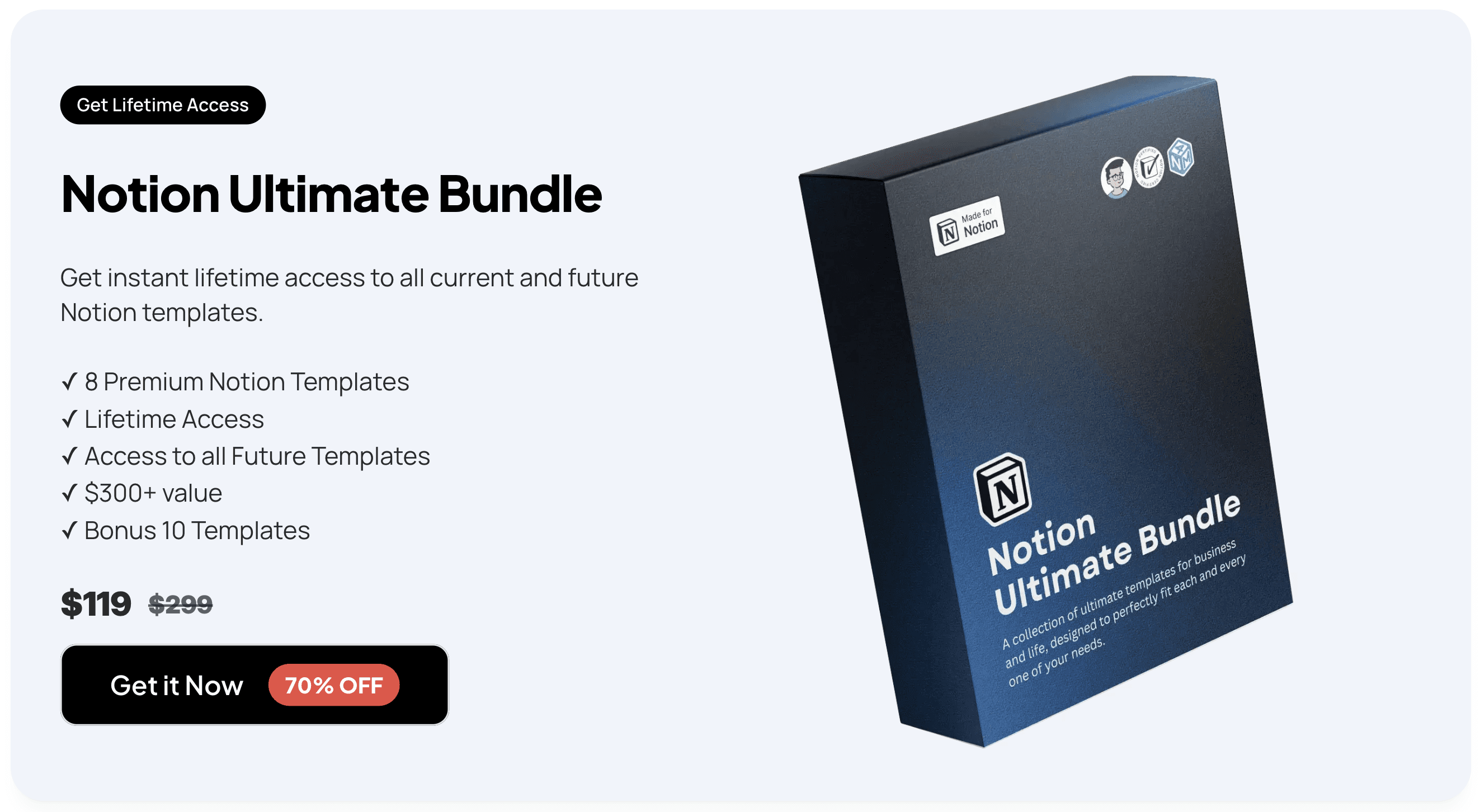
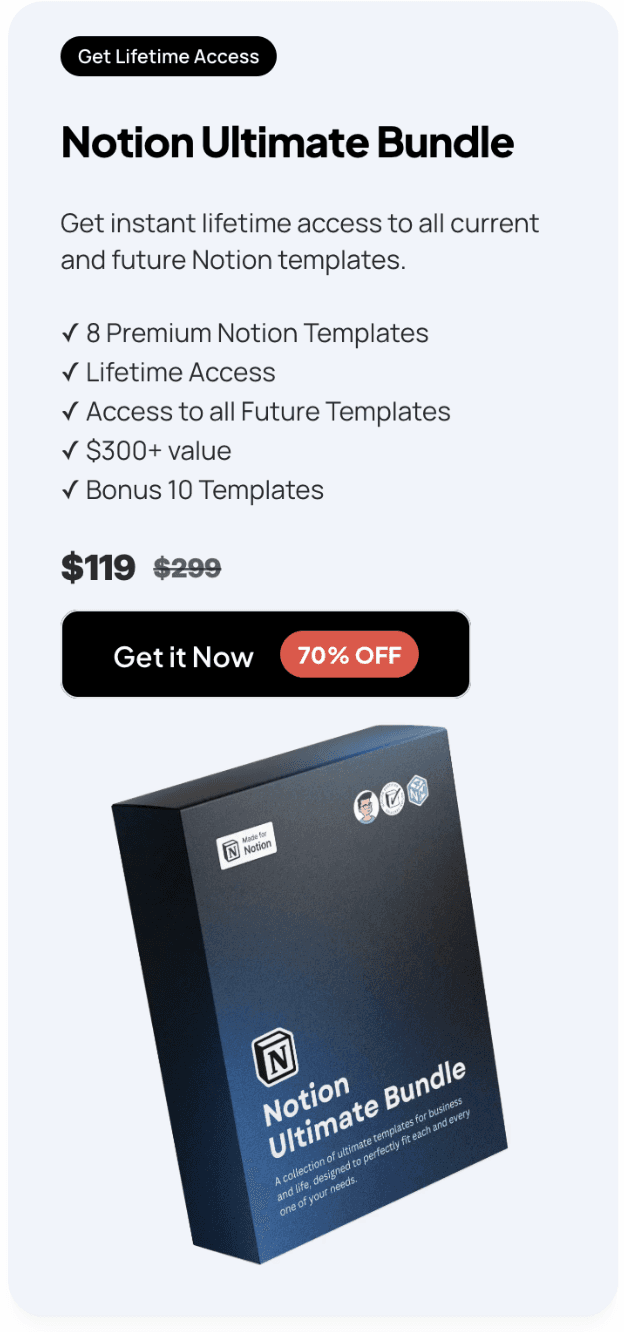
As you’ve explored the best Notion week planner templates for 2026, you’ve seen how the right setup can completely transform your productivity and help you stay organized—whether you’re managing a business, balancing personal projects, or tracking academic goals. If you’re ready to streamline every aspect of your workflow with powerful, user-friendly tools, I highly recommend you Get the Ultimate Notion Bundle. This comprehensive package brings together everything you need for effective planning, all in one place—so you can focus on what matters most and achieve more every week.
← All Posts
Get Lifetime Access
Get instant lifetime access to all current and future Notion templates.
✓ 8 Premium Notion Templates
✓ Lifetime Access
✓ Access to all Future Templates
✓ $300+ value
✓ Bonus 10 Templates
$119
$299
Get it Now
70% OFF