← All Posts

Hashim Sultan

Feb 10, 2026
Table Of Content
Creating content consistently becomes difficult when ideas, schedules, brand deals, and analytics are scattered across different tools. That’s why content creators need a reliable system to stay organized and focused.
Notion templates for content creators offer powerful, customizable solutions to plan content, manage social media, track collaborations, and monitor growth from one centralized workspace. Whether you’re a creator, freelancer, or social media manager, these templates help streamline your workflow and scale your content strategy.
In this guide, we’ve curated the best Notion templates for content creators to help you plan, create, and grow efficiently. To build a complete Notion setup, explore our guides on Second Brain Notion templates, Notion social media planners, and the best Notion productivity templates on Notion4Management.
Best Notion Templates for Content Creators
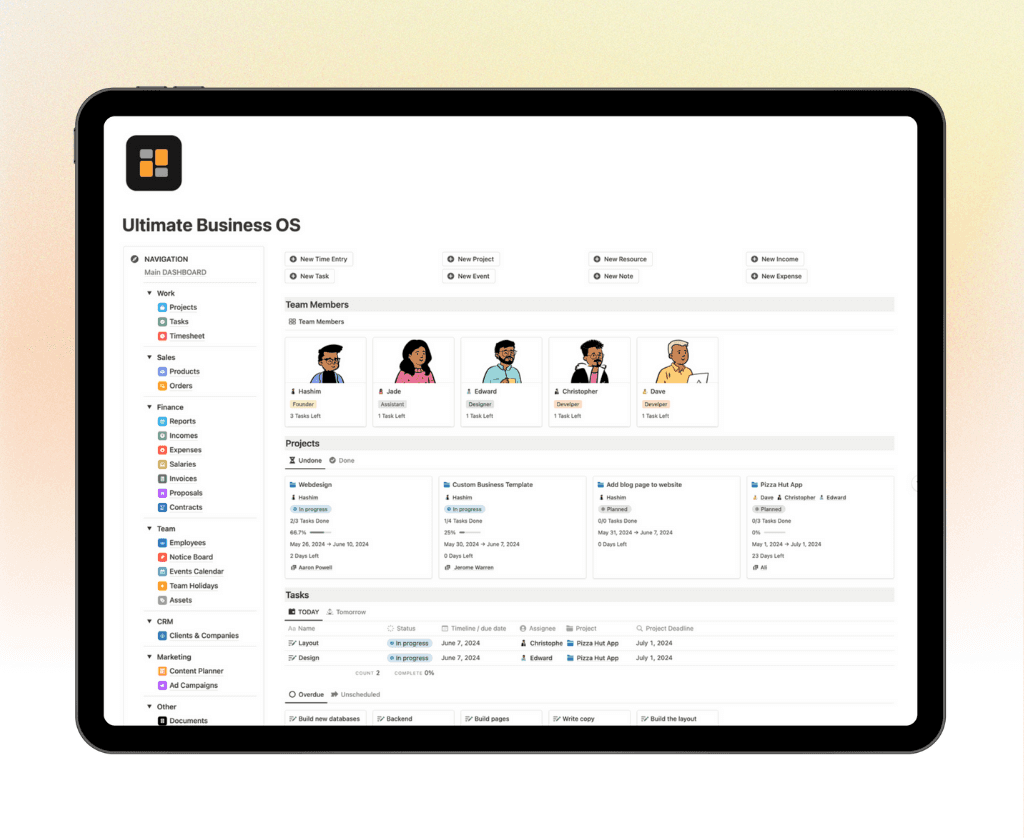
1. Notion Ultimate Business OS
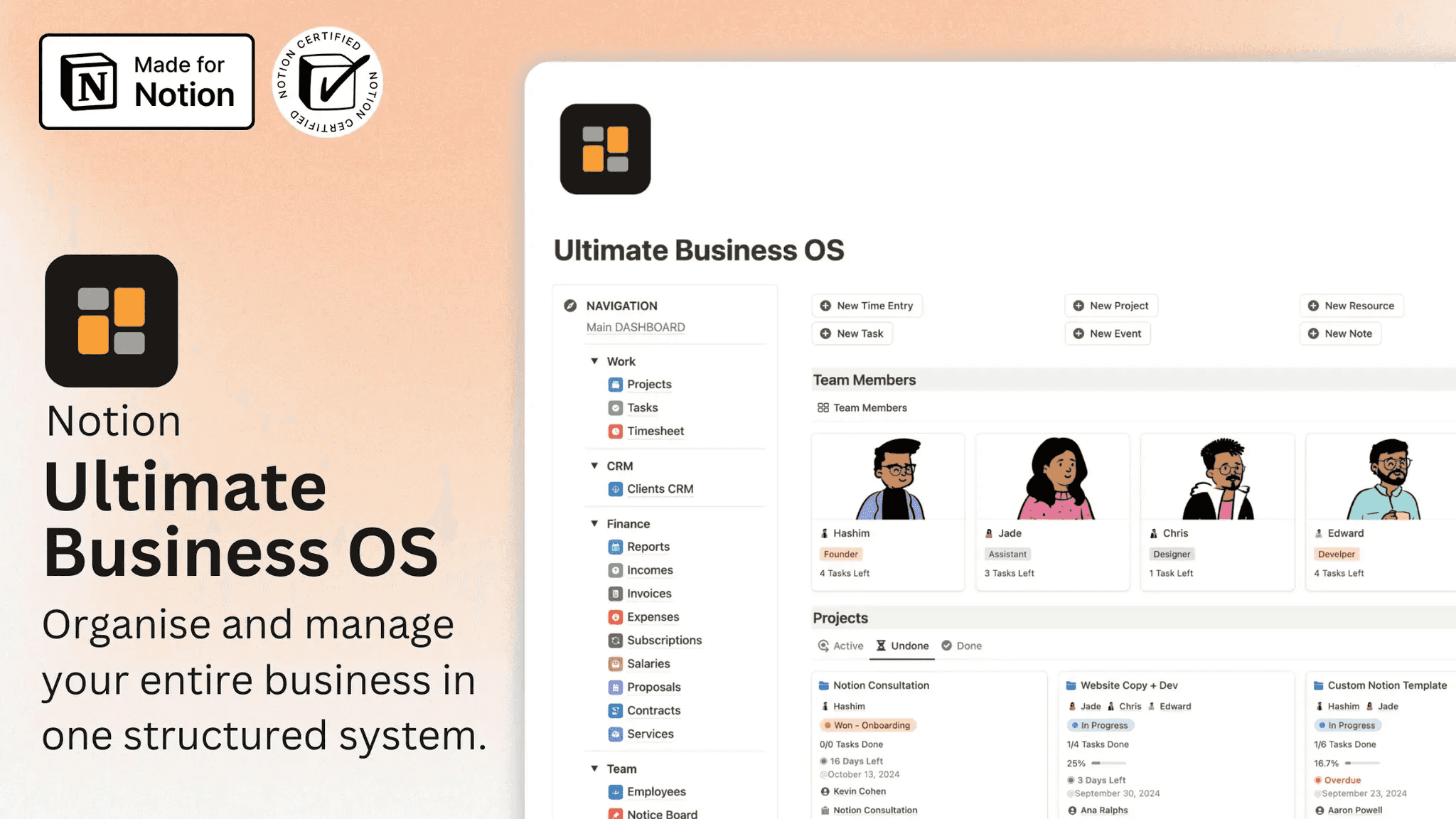
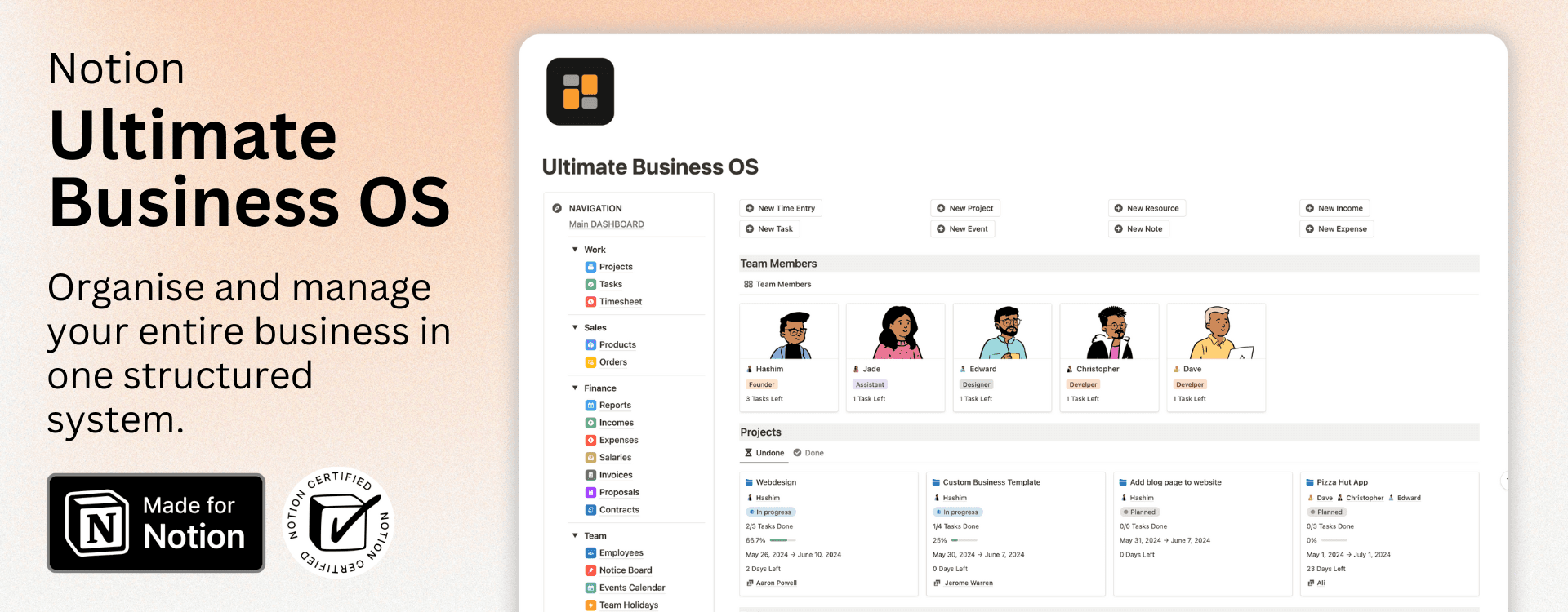
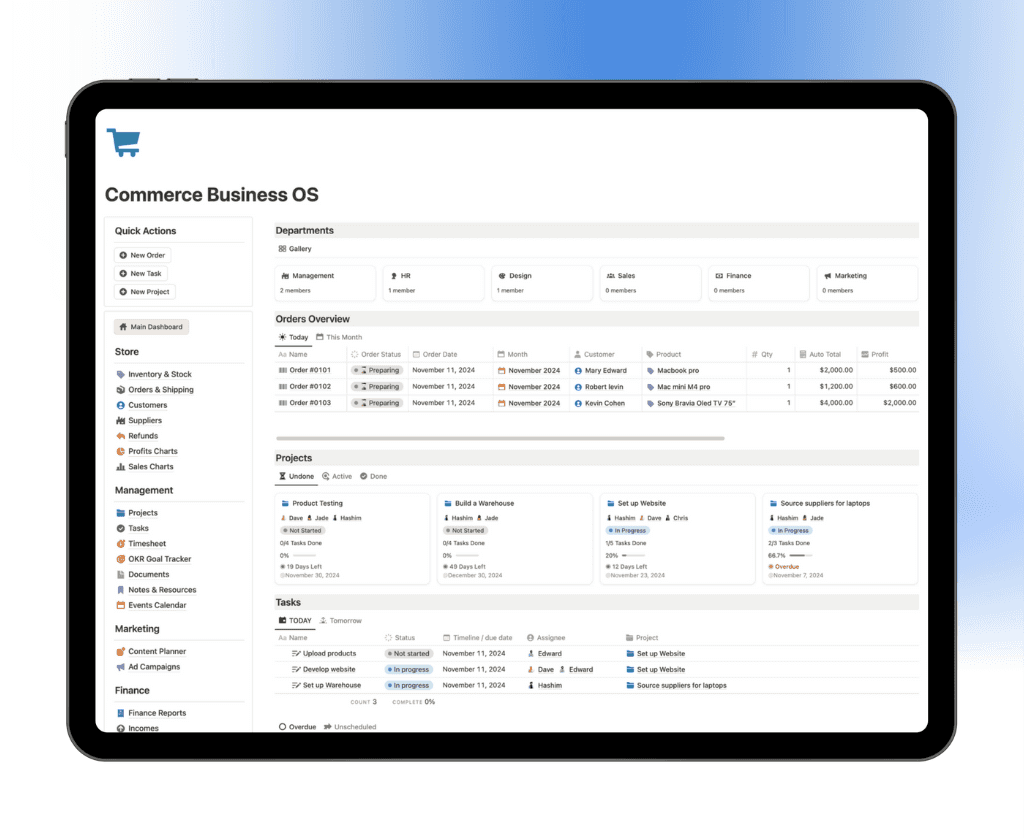
Optimize and streamline your business operations with Notion Business OS. This comprehensive Notion template is designed for agencies, entrepreneurs, startups, and small businesses to efficiently manage projects, clients, finances, and teams—all in one workspace.
Key Features:
✔ Project & Task Management – Keep track of ongoing projects, set priorities, and meet deadlines effortlessly.
✔ Client Relationship Management (CRM) – Store client details, track interactions, and nurture long-term business relationships.
✔ Financial Tracking – Monitor income and expenses, manage budgets, and gain insights into financial health.
✔ Team Collaboration – Assign tasks, manage team schedules, and improve overall productivity.
👉 Why Use This Template? Say goodbye to juggling multiple apps—Notion Business OS consolidates everything into one efficient system, boosting workflow efficiency and organization.
📌 Perfect for: Entrepreneurs, startups, agencies, and business owners looking to simplify operations and maximize productivity.
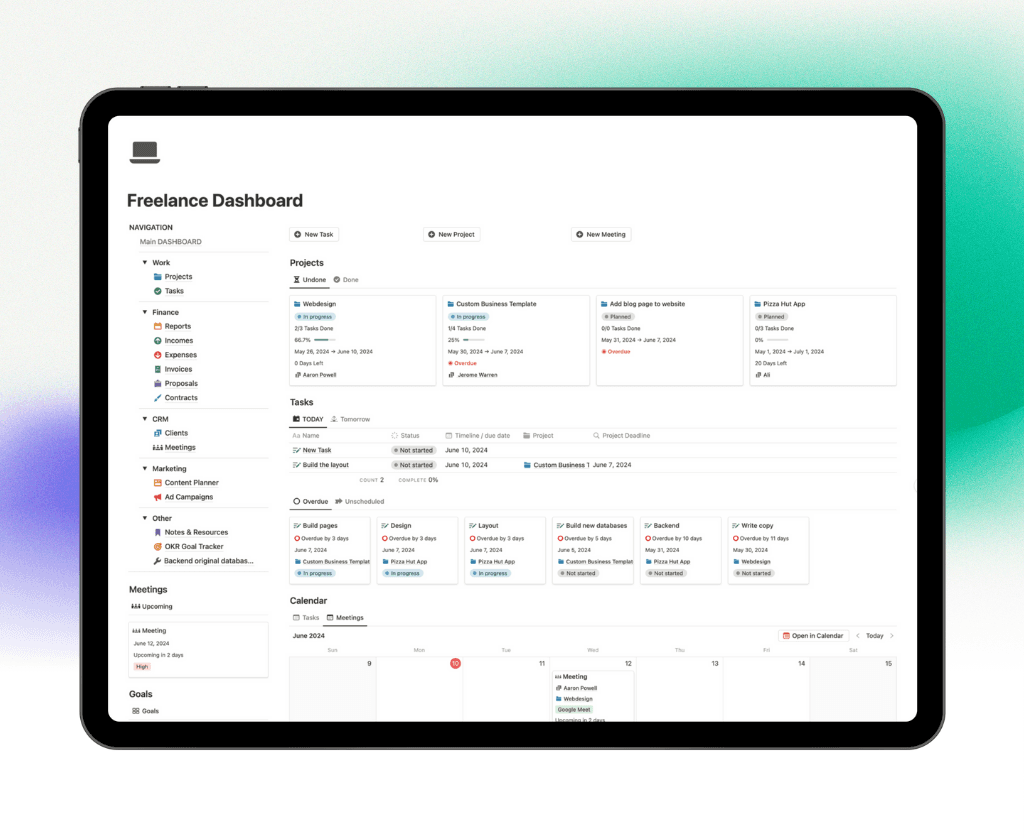
2. Notion Freelance Dashboard
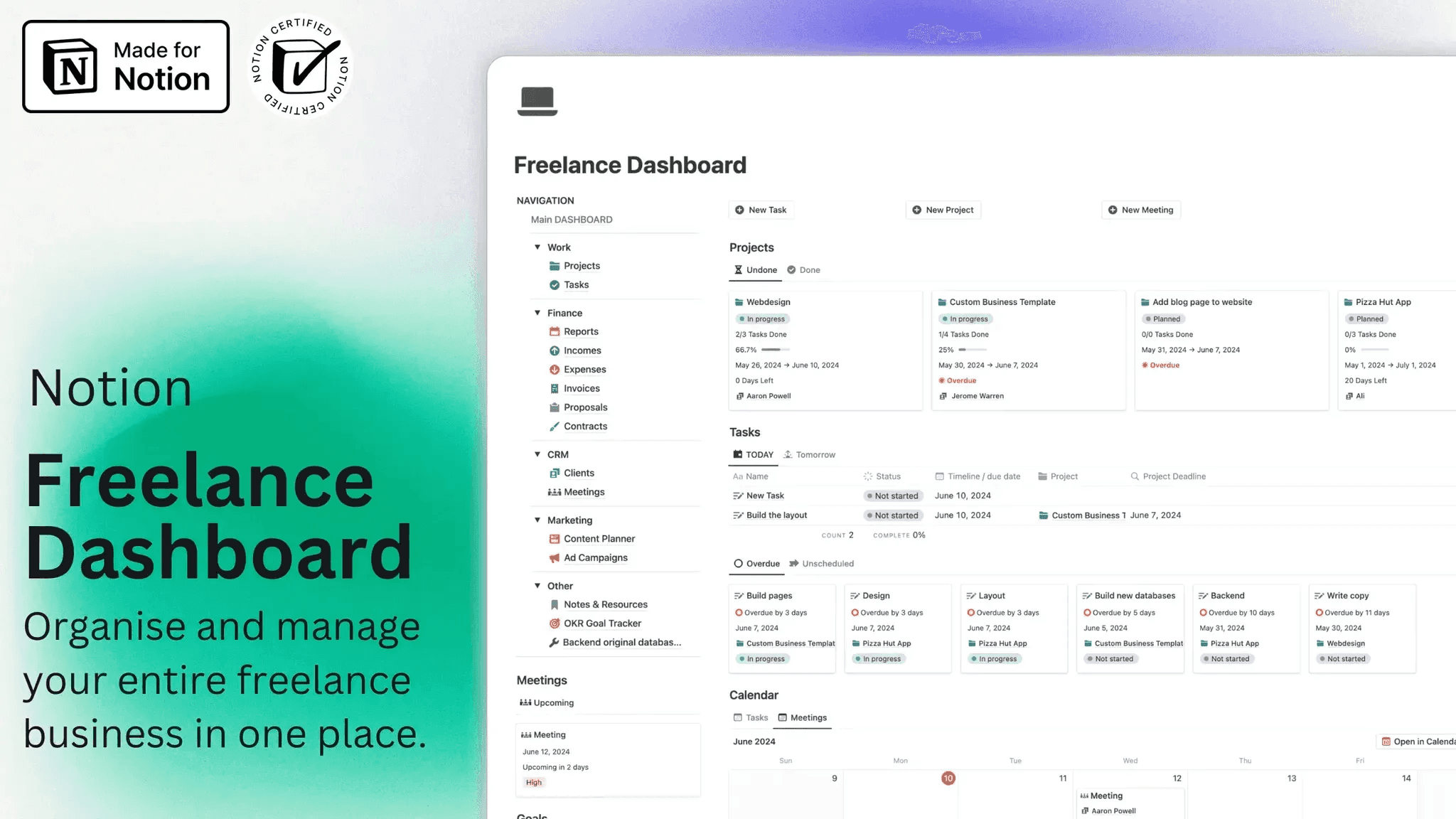
Manage projects, track finances, and boost productivity with the Notion Freelance Dashboard. This all-in-one freelancer workspace helps you handle client work, track income, and stay on top of deadlines effortlessly.
Key Features:
✔ Project & Task Tracker – Organize client projects, set milestones, and manage deadlines.
✔ Financial & Invoice Management – Monitor earnings, track expenses, and create invoices with ease.
✔ Client Relationship Manager – Store client details, project briefs, and communication history.
✔ Productivity & Planning Tools – Use to-do lists, time tracking, and personal organization tools.
👉 Why Use This Template? If you’re a freelancer juggling multiple clients and projects, this dashboard will help you stay organized, get paid on time, and scale your freelance business.
📌 Perfect for: Freelancers, solopreneurs, consultants, designers, and creative professionals.
3. Notion Admin & Client Portal for Social Media Managers
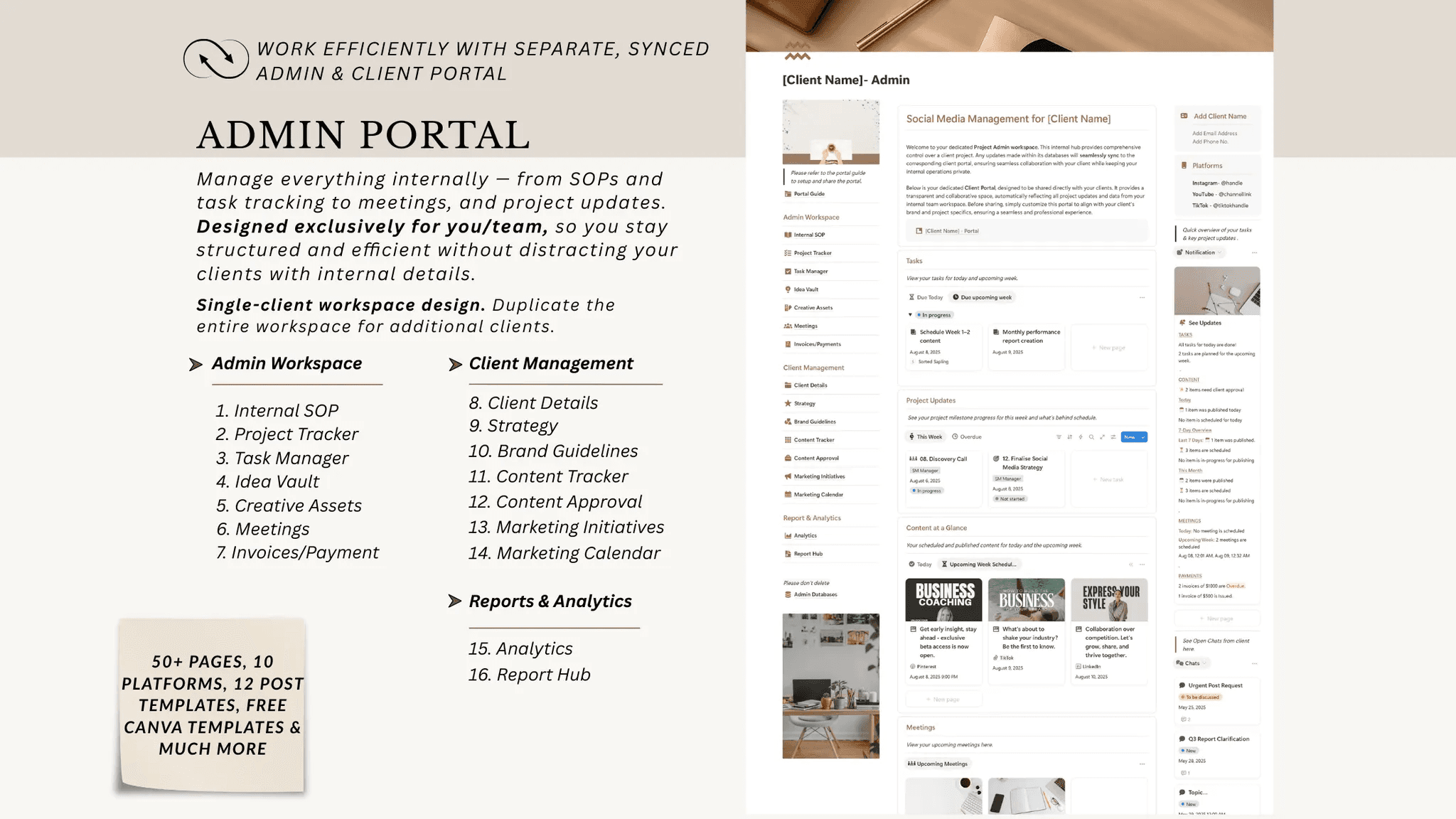
Notion Admin & Client Portal for Social Media Managers is a complete Notion client portal and admin system built to streamline agency operations, improve client communication, and manage social media projects from onboarding to delivery. It’s ideal for social media managers, agencies, and freelancers handling multiple clients and platforms.
This template centralizes client workflows, content planning, asset management, and team coordination in one professional Notion workspace.
Key highlights:
Step-by-step setup checklist for admin and client portals
50+ ready-to-use Notion pages for agency operations
Dedicated pages for 10 major social media platforms
Strategic post templates for faster content creation
Centralized creative asset libraries for organized file management
Integrated notification center for updates and communication
Free Canva templates for client deliverables and branding
4. Notion Content Creator OS
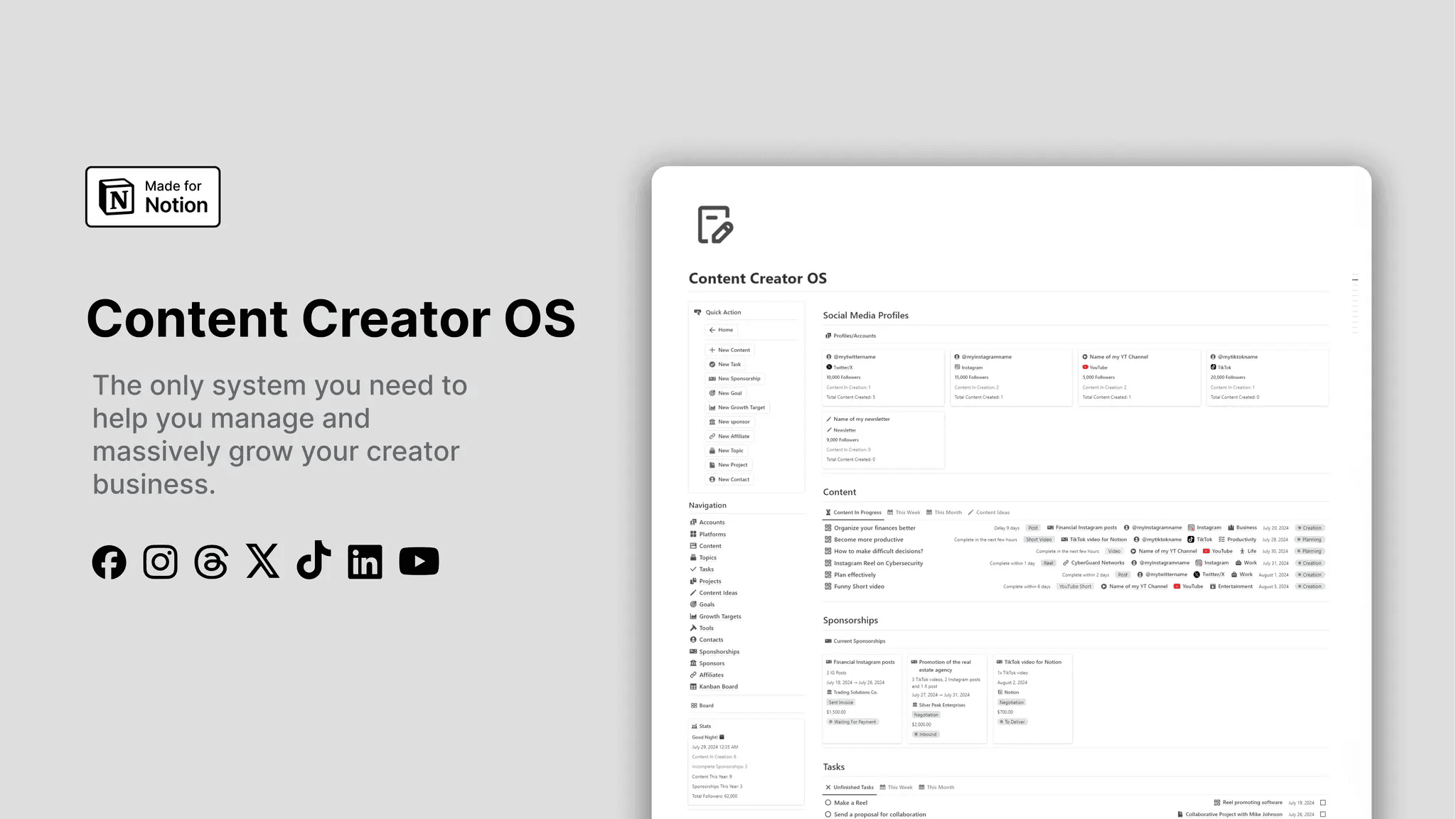
Notion Content Creator OS is an all-in-one Notion content management system for creators that helps you plan, create, schedule, and track social media content from a single dashboard. It’s ideal for creators managing multiple platforms, growth goals, sponsorships, and collaborations.
Key highlights:
Multi-platform and multi-account management
Visual content calendar and Kanban workflows
Goal tracking, growth targets, and performance metrics
Sponsorship, affiliate, sponsor, and contact management
Task, project, and content status tracking
50+ additional tools database for social media growth
5. Social Media Planner Notion Template
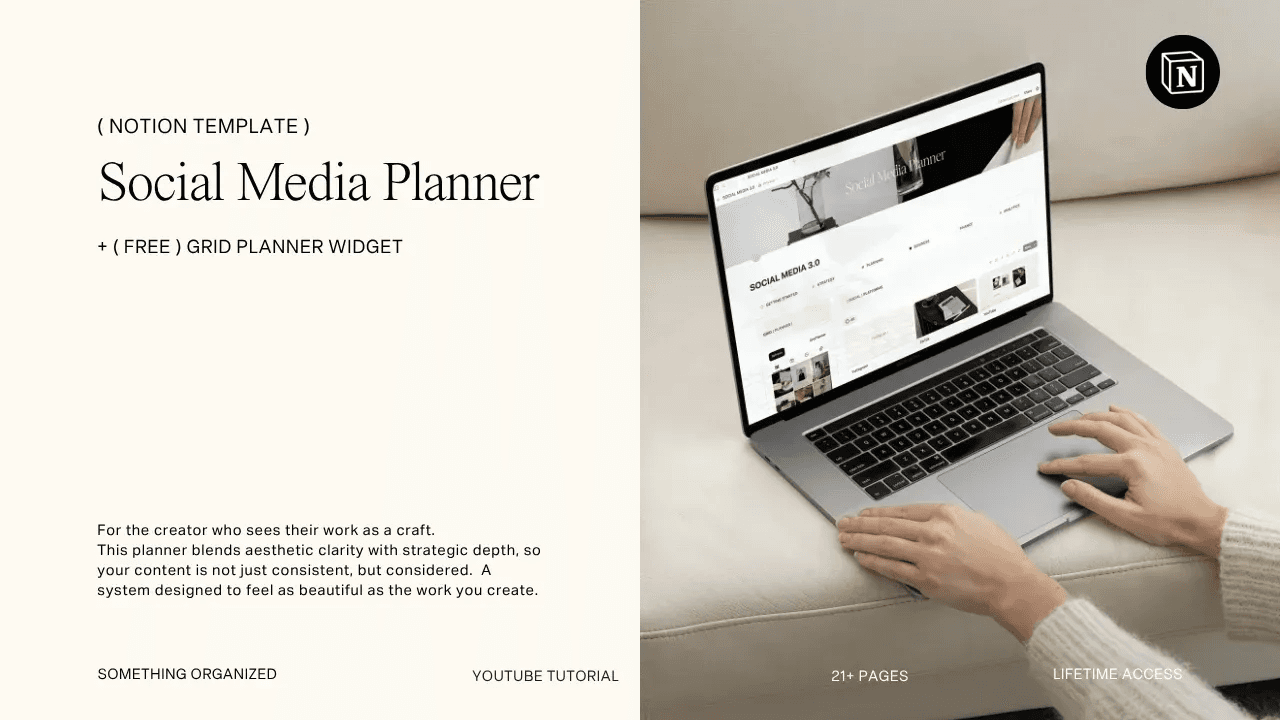
The Social Media Planner Notion Template blends strategic content planning with a minimalist layout, creating a calm and distraction-free workspace. It brings content ideas, brand deals, monetization, analytics, and financial tracking into one organized system.
Key highlights:
Editorial-style dashboard with a clean interface
Content planning with daily, weekly, and campaign views
Built-in tools for hooks, captions, CTAs, hashtags, and prompts
Brand deal and project workflows with task phases
Monetization and finance tracking for creators
Reporting dashboards with platform-specific analytics
6. Notion Content Creator Kit
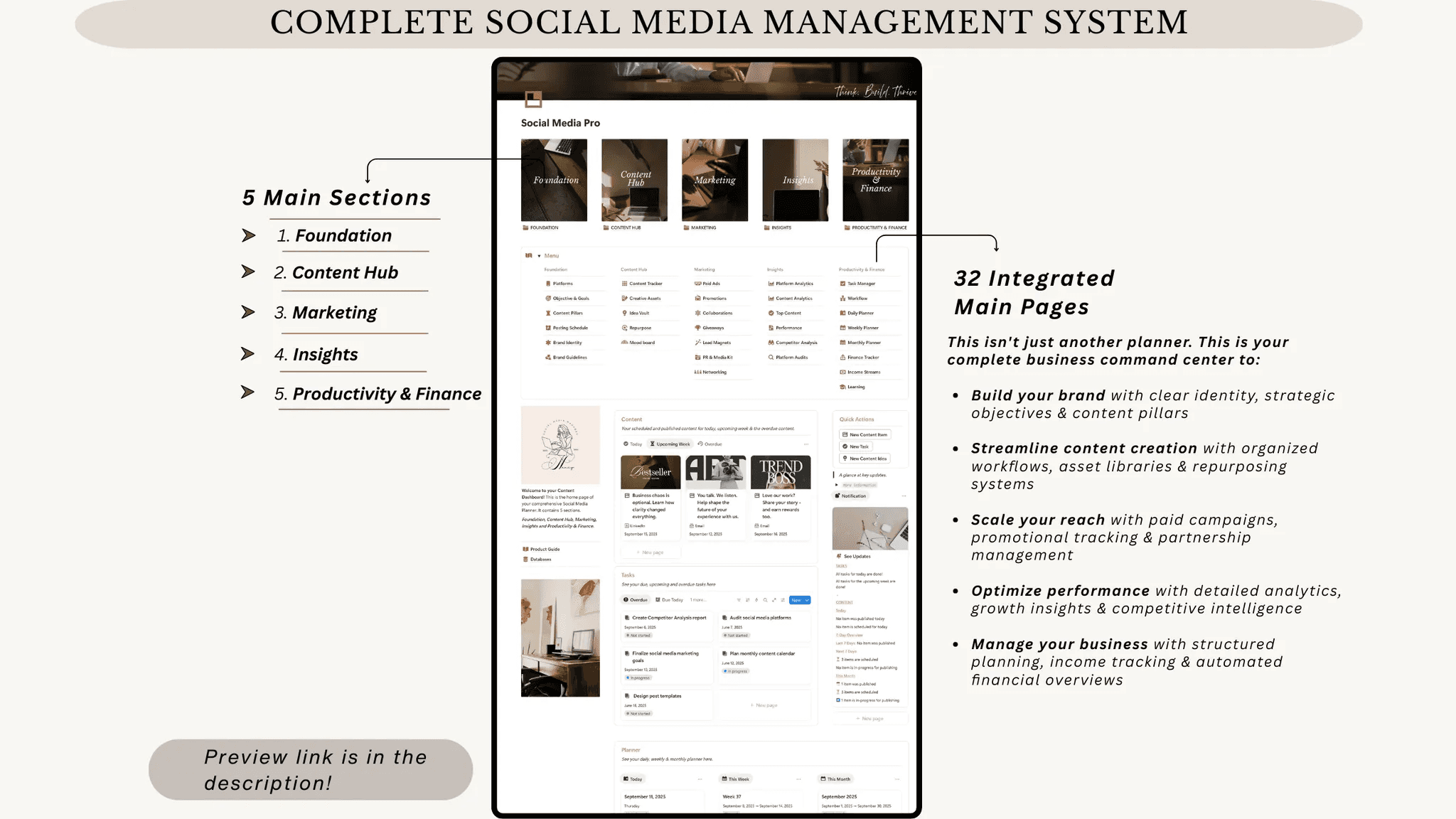
The Notion Content Creator Kit is a complete social media content planning and management system built inside Notion. It’s designed for content creators, freelancers, social media managers, and agencies looking to streamline workflows, improve consistency, and scale their brand.
Key highlights:
Dedicated platform pages for 10 major content channels
Content pillars, brand identity hub, and posting schedules
Ready-to-use post templates and content trackers
Marketing tools for ads, promotions, collaborations, and giveaways
Analytics dashboards, competitor tracking, and audits
Task management, planners, and finance tracking
7. Notion Content Creation Hub
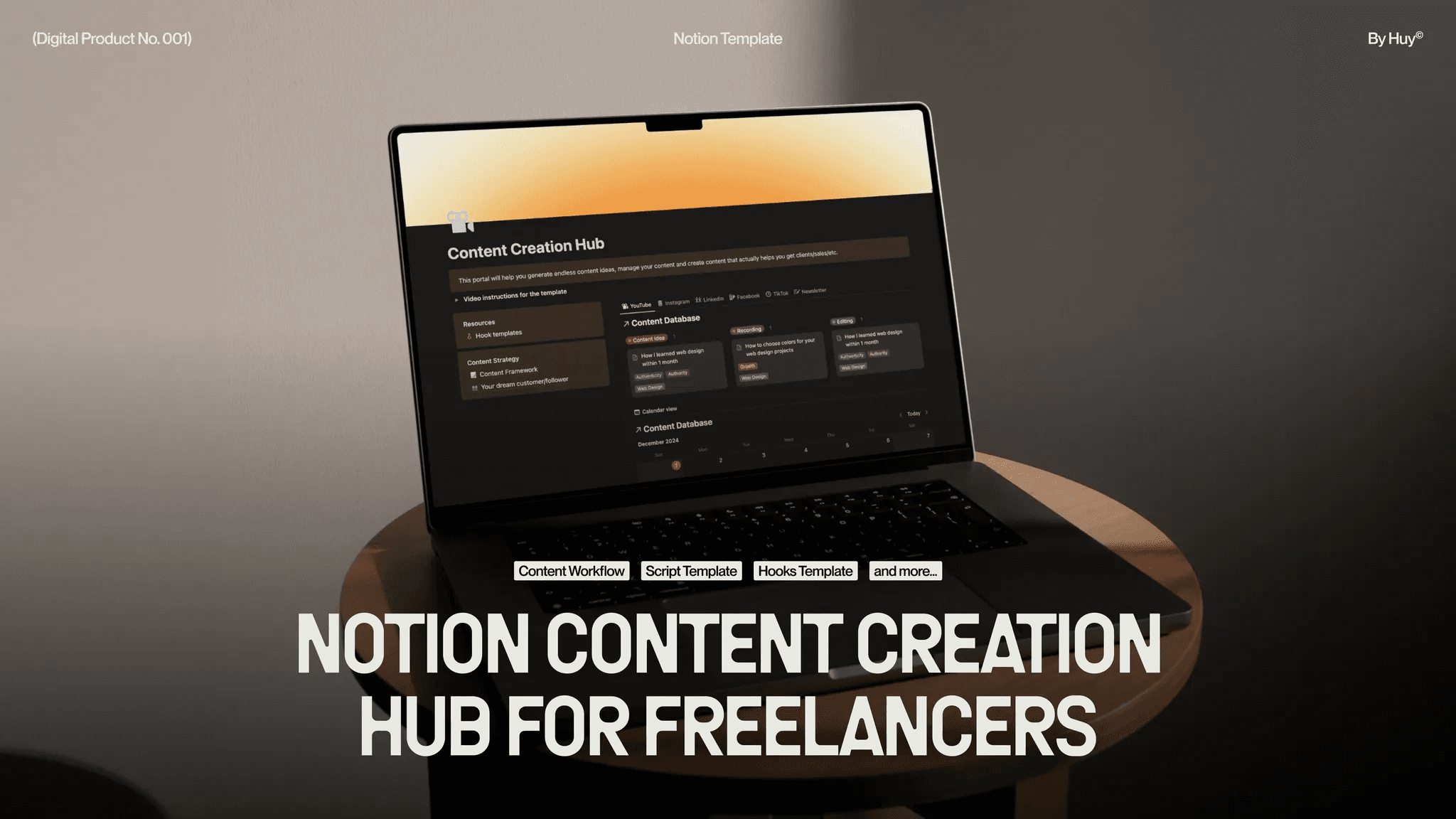
Notion Content Creation Hub is a beginner-friendly Notion template for freelancers and creators who want a simple yet effective system to create content consistently. It helps streamline ideation, scripting, and audience targeting while keeping your content organized.
Key highlights:
Content planning system for all social media platforms
Proven content frameworks and scripting templates
Hook templates to improve engagement and reach
Ideal audience and dream customer tracking
8. Notion Content OS
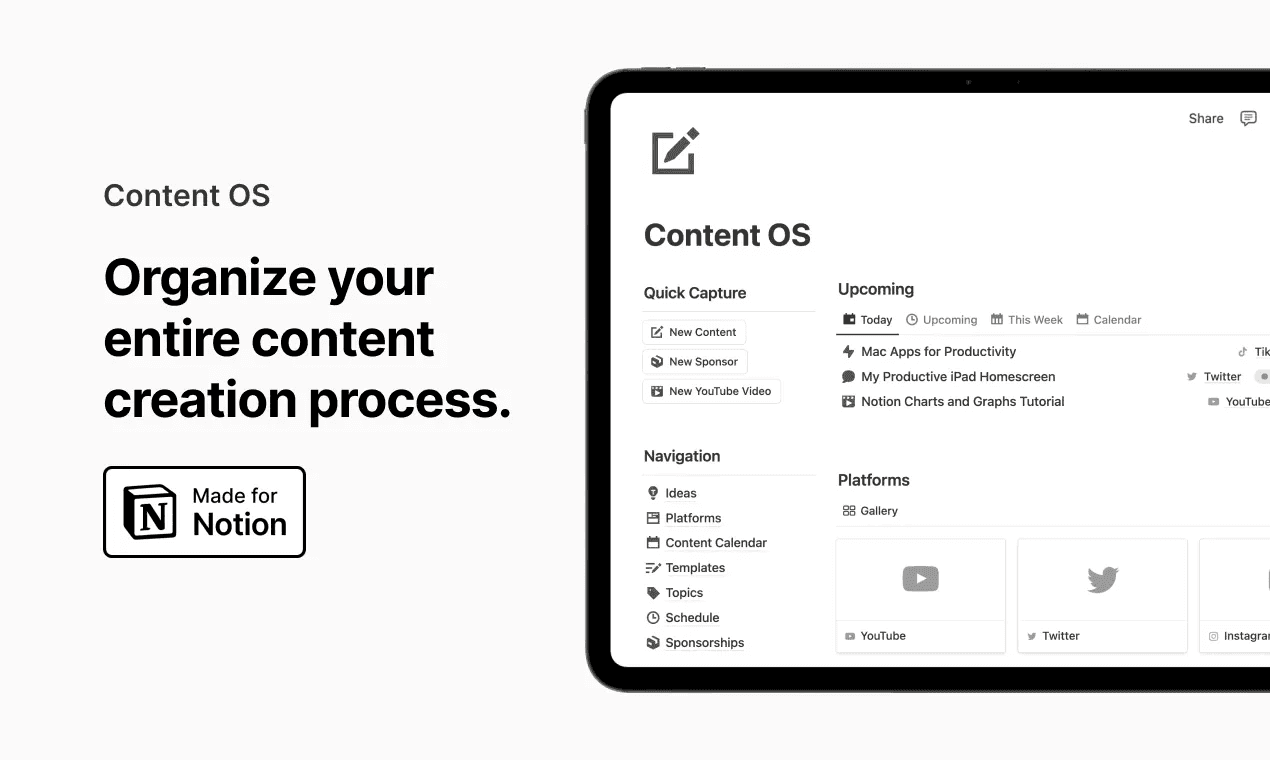
Content OS is a streamlined Notion content planning system designed to help creators plan, write, and scale social media content efficiently. It focuses on clarity, consistency, and sustainable content workflows.
Key highlights:
Centralized management of all content platforms
Content calendar from ideation to publication
Topic-based content organization and scheduling
Reusable content and writing templates
Sponsorship, affiliate, and contact tracking
9. Content Planner 3.0
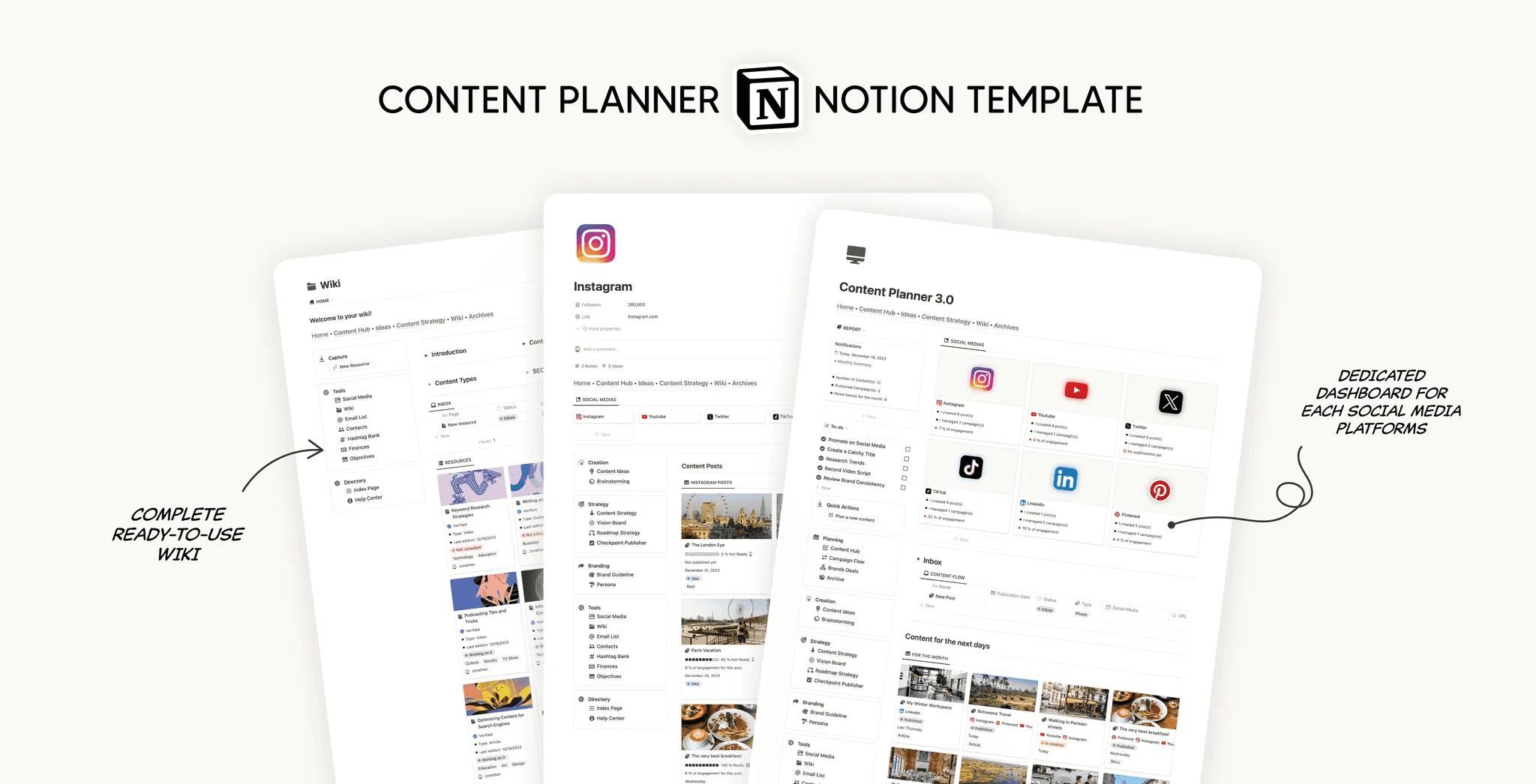
Content Planner 3.0 is a powerful all-in-one Notion content planner built to help creators, marketers, and business owners plan, execute, and optimize content strategies with ease.
Key highlights:
Central content hub for ideas, drafts, and assets
Campaign planning and execution tracking
Brand deal and collaboration management
Hashtag organization and analytics dashboards
Finance tracking and goal visualization
10. Social Media Manager
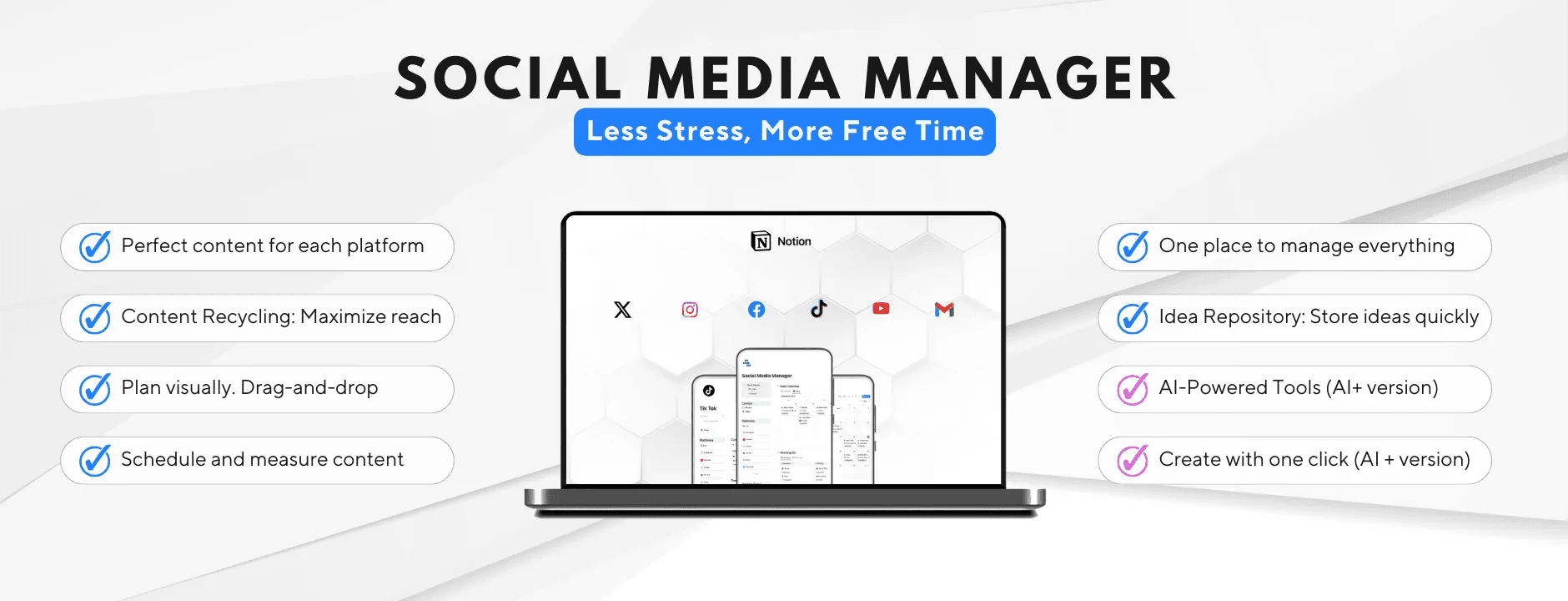
Social Media Manager is a flexible Notion social media management template built to organize content workflows, scheduling, collaboration, and platform-specific strategies in one unified system.
Key highlights:
Unified dashboard for complete content visibility
Workflow-driven content creation and recycling
Platform-specific sections for optimized engagement
AI-powered tools (AI+ version) for faster execution
Visual drag-and-drop content planning
Custom views, filters, and collaboration tools
Conclusion
Notion content creator templates provide a powerful way to simplify content planning, improve consistency, and manage every part of your creative workflow from one organized workspace. Whether you’re focused on social media growth, brand collaborations, or content monetization, the right Notion system can save time and help you scale more effectively.
With the best Notion templates for content creators featured in this guide, you can choose a setup that matches your workflow, goals, and level of experience. From beginner-friendly planners to advanced creator operating systems, these templates are designed to support long-term content creation and growth.
To further optimize your Notion workspace, we recommend exploring more helpful resources from our blog, including Notion Life OS templates, Notion calendar templates, Notion finance tracker templates, Notion student planner templates, and our curated guides on free Notion templates to build a complete, all-in-one productivity system.
← All Posts
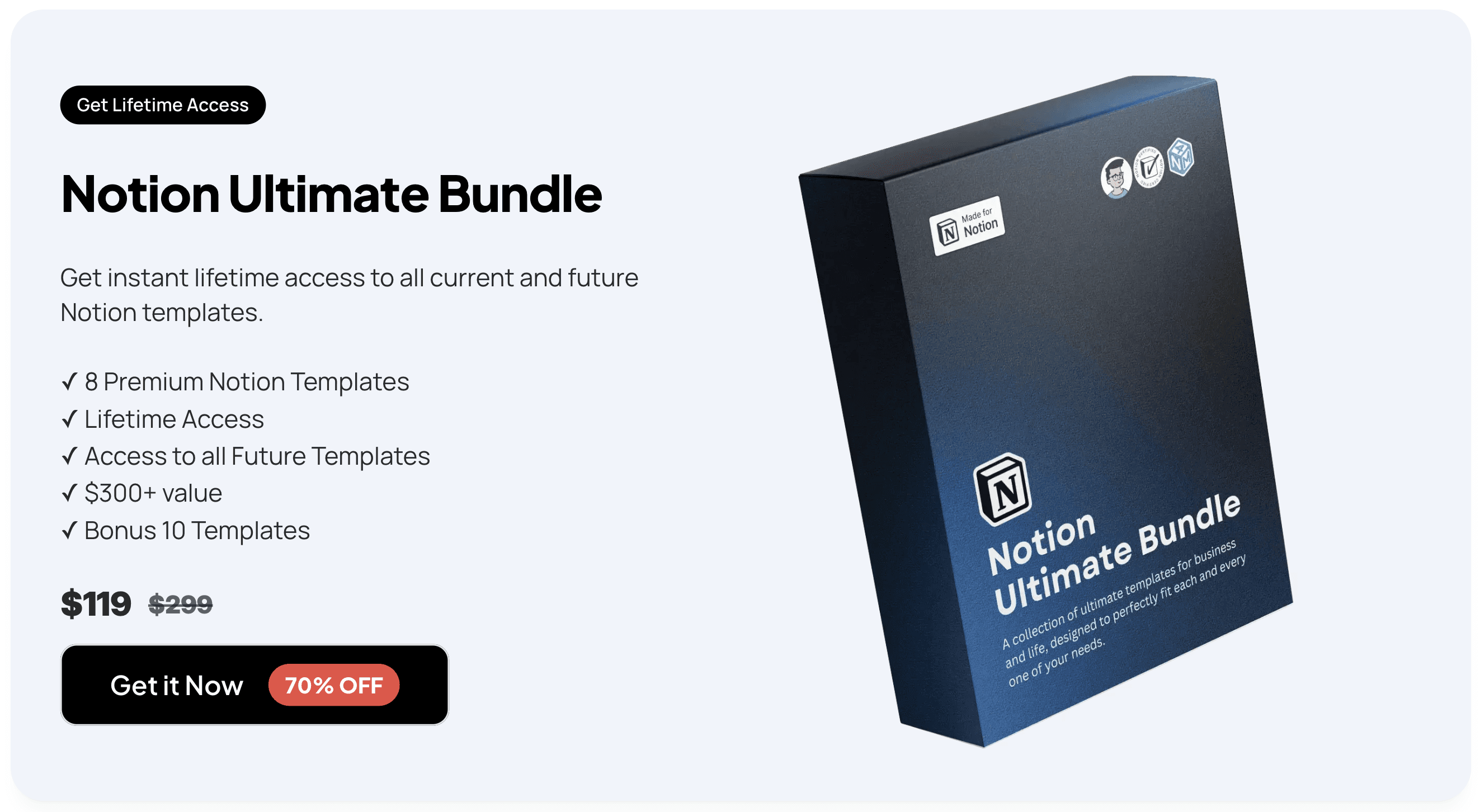
Get Lifetime Access
Get instant lifetime access to all current and future Notion templates.
✓ 8 Premium Notion Templates
✓ Lifetime Access
✓ Access to all Future Templates
✓ $300+ value
✓ Bonus 10 Templates
$119
$299
Get it Now
70% OFF