← All Posts

Hashim Sultan

Jan 4, 2026
Table Of Content
In 2026, tracking projects is more crucial than ever as businesses and individuals navigate rapid technological change and shifting work environments. Staying ahead requires not just hard work, but smart organization and real-time insights.
This article uncovers the 7 best project tracker template ideas designed to streamline workflows, increase team accountability, and drive consistent project success. Whether you manage complex teams or solo projects, the right project tracker template can transform your productivity.
Explore diverse templates, essential features, and practical examples tailored for every project management style. Ready to future-proof your workflow? Discover top solutions that empower you to achieve more with clarity and confidence.
How to Choose the Right Project Tracker Template for Your Needs
Selecting the ideal project tracker template is a pivotal decision for any business or individual aiming for project success in 2026. With so many options available, it is essential to match your choice to your unique workflow, team needs, and goals.
Assessing Your Project Scope and Complexity
Start by defining your project's size, duration, and deliverables. A project tracker template for a small team might only require a simple task list with basic status updates. Larger initiatives, on the other hand, benefit from templates offering multi-view dashboards, timelines, and dependency tracking.
Ask yourself: Does your project involve multiple phases or teams? Are there frequent changes or strict deadlines? The answers guide you toward the right project tracker template, ensuring neither under- nor over-complication.
Evaluating Core Features and Customization Options
A robust project tracker template should offer essential features like Kanban boards, timelines, task dependencies, and automated reminders. Custom fields, color coding, and personalized views enhance adaptability, allowing you to tailor the template to your workflow.
For a deeper dive into comparing features and customization, the Best Notion Project Managers guide offers a thorough overview of top-rated options. This resource can help you evaluate how different templates support varied project requirements.
Integration with Existing Tools and Platforms
Seamless integration is critical. Your project tracker template should sync with tools your team already uses, such as Slack for communication or Google Drive for file storage. Some templates connect directly to CRMs, code repositories, or calendar apps, minimizing manual updates and ensuring real-time visibility.
Integration capabilities not only streamline workflows but also reduce errors from duplicate data entry, supporting a smoother project experience.
User Experience and Accessibility
An effective project tracker template is intuitive and accessible for all users. Look for templates with clean interfaces, clear navigation, and mobile accessibility. Drag-and-drop functionality, onboarding resources, and helpful tooltips accelerate adoption.
If your team is distributed or often on the go, prioritize templates with robust mobile apps and responsive design. User-friendly templates lower the learning curve and foster higher adoption rates.
7 Best Project Tracker Template Ideas for 2026 Success
Selecting the right project tracker template is essential for driving productivity and staying ahead in 2026. Below, discover seven standout options, each tailored for different team needs, workflows, and industries. Compare their features, pricing, and ideal use cases to find the perfect fit for your next project.
Template Name | Best For | Pricing | Key Features |
|---|---|---|---|
Notion4Management | All-in-one, Notion users | $15–$39/template, $97 bundle | Kanban, timelines, dashboards |
Airtable | Visual, collaborative teams | Free, paid from $10/user/mo | Multi-view, AI, integrations |
Jira | Agile, dev, IT teams | Free up to 10 users, paid | Kanban, workflows, reporting |
ClickUp | Agencies, remote, startups | Free, paid from $7/user/mo | Gantt, automations, goals |
Smartsheet | Enterprise, ops, Excel users | Free trial, paid from $7/user | Gantt, dashboards, resources |
Trello | Small teams, startups, personal | Free, paid from $5/user/mo | Kanban, checklists, Power-Ups |
Asana | Cross-functional business teams | Free, paid from $10.99/user | List, board, milestones |
1. Notion4Management – Notion Project Tracker Templates
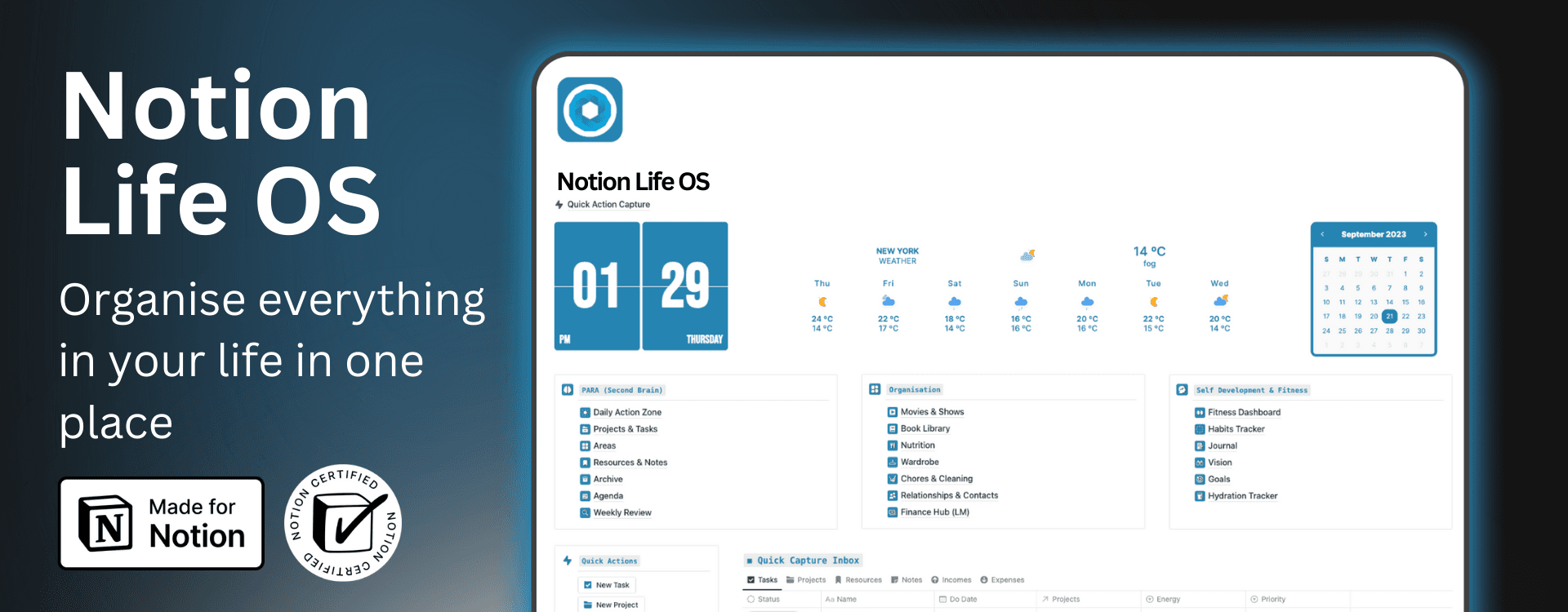
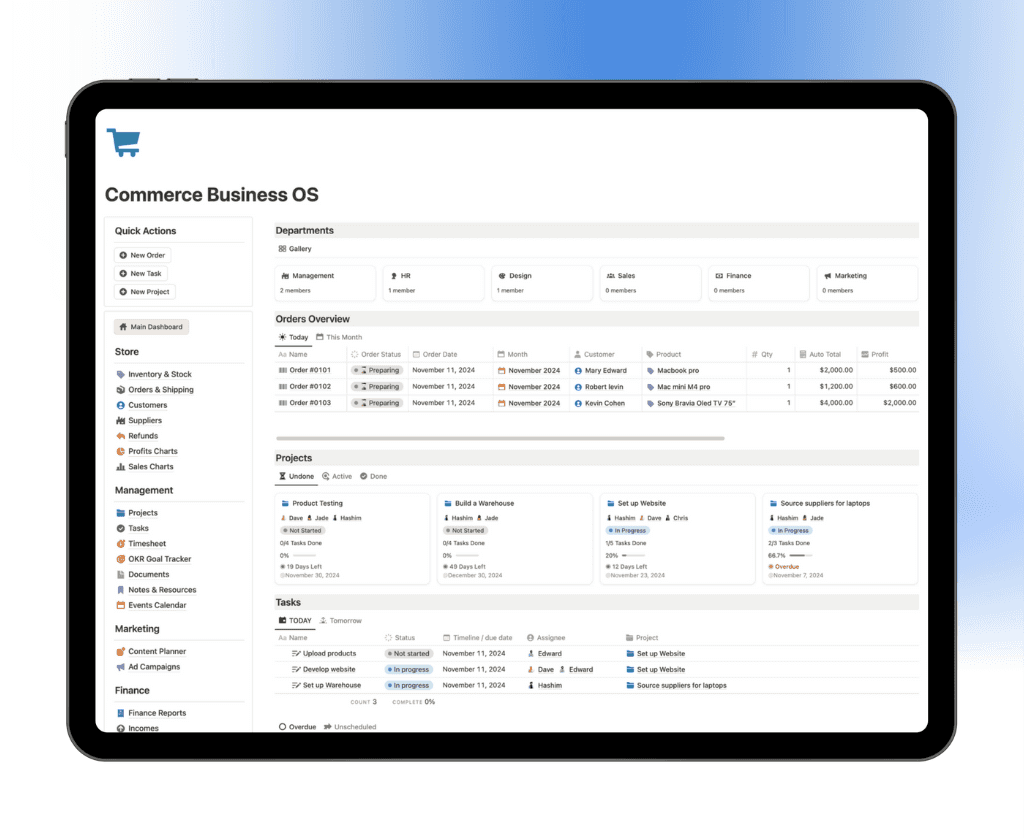
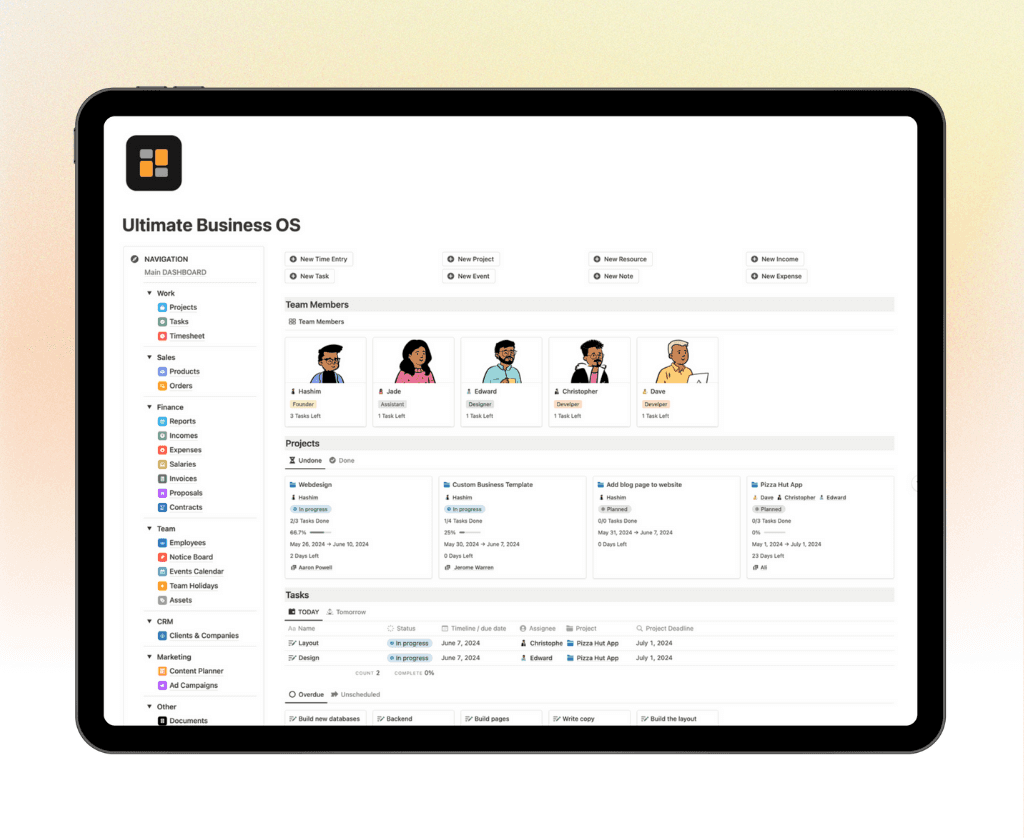
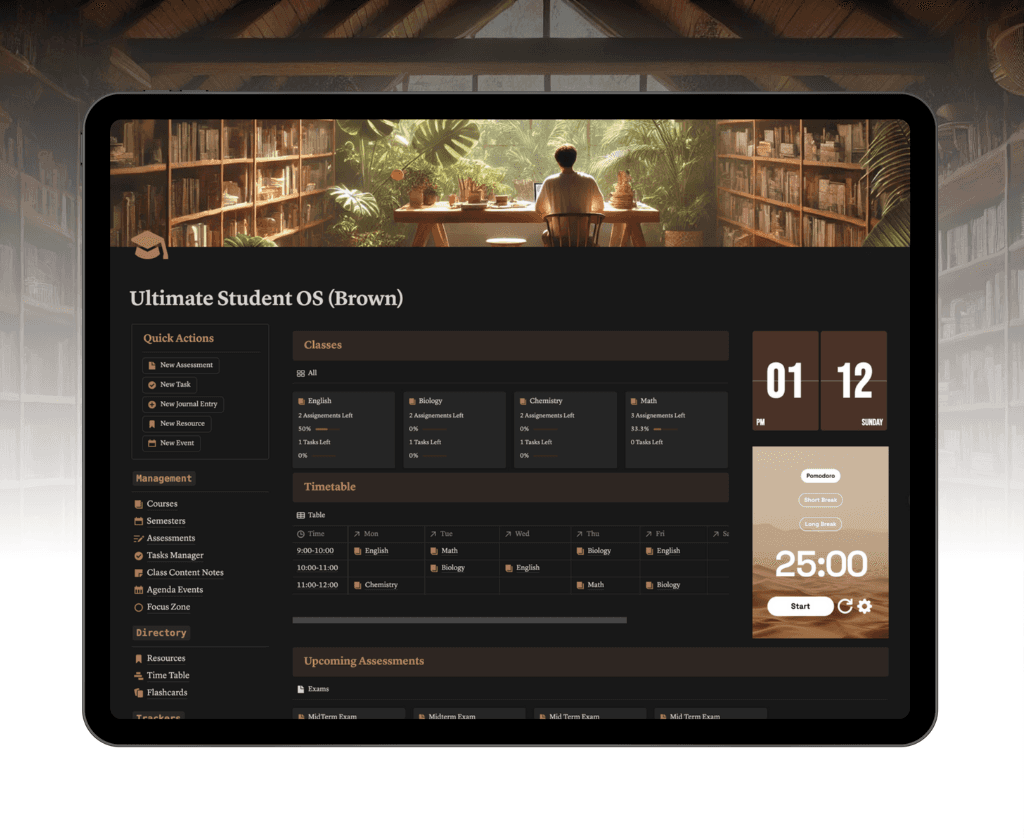
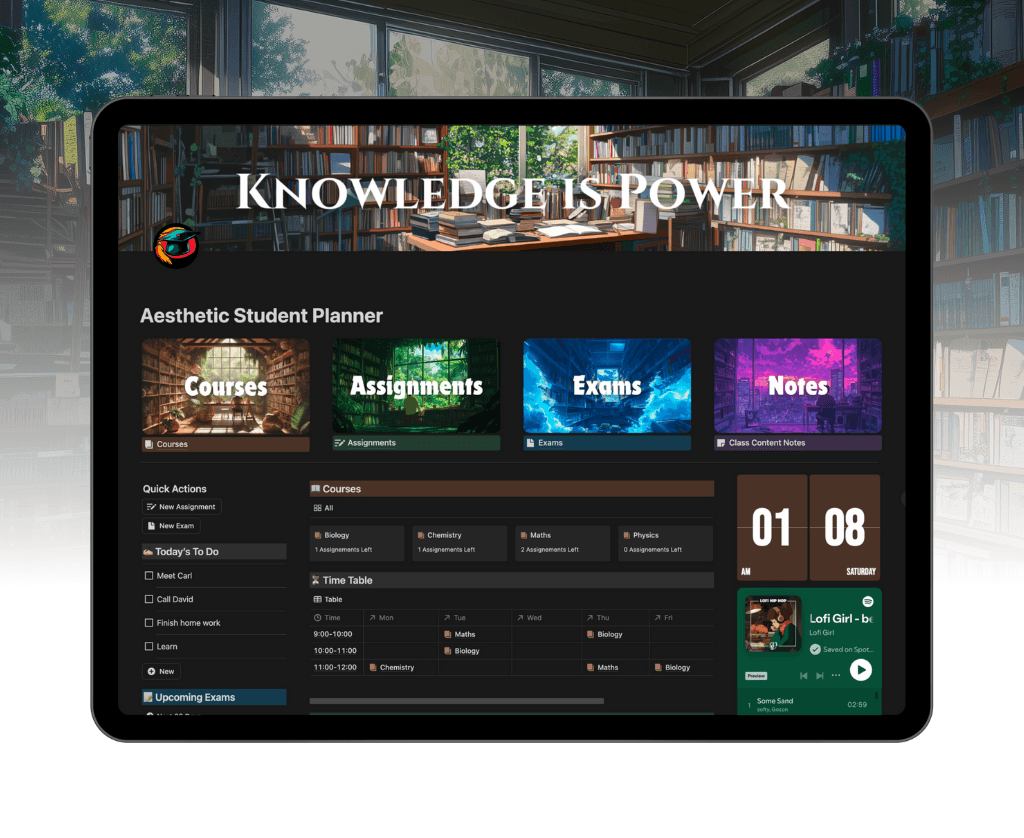
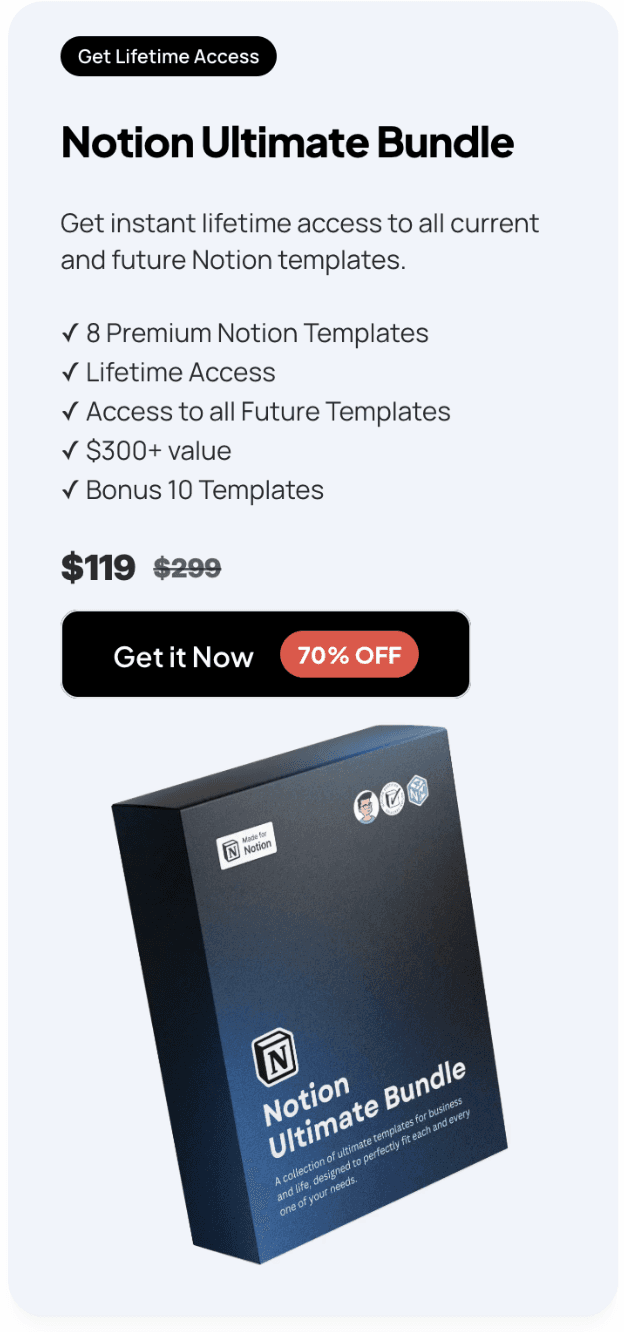
Notion4Management offers a versatile suite of project tracker template options designed for Notion users who want all-in-one project and workflow management. With individual templates starting at $15 and an Ultimate Bundle for $97 (lifetime access), it’s a budget-friendly solution for entrepreneurs, freelancers, students, and teams.

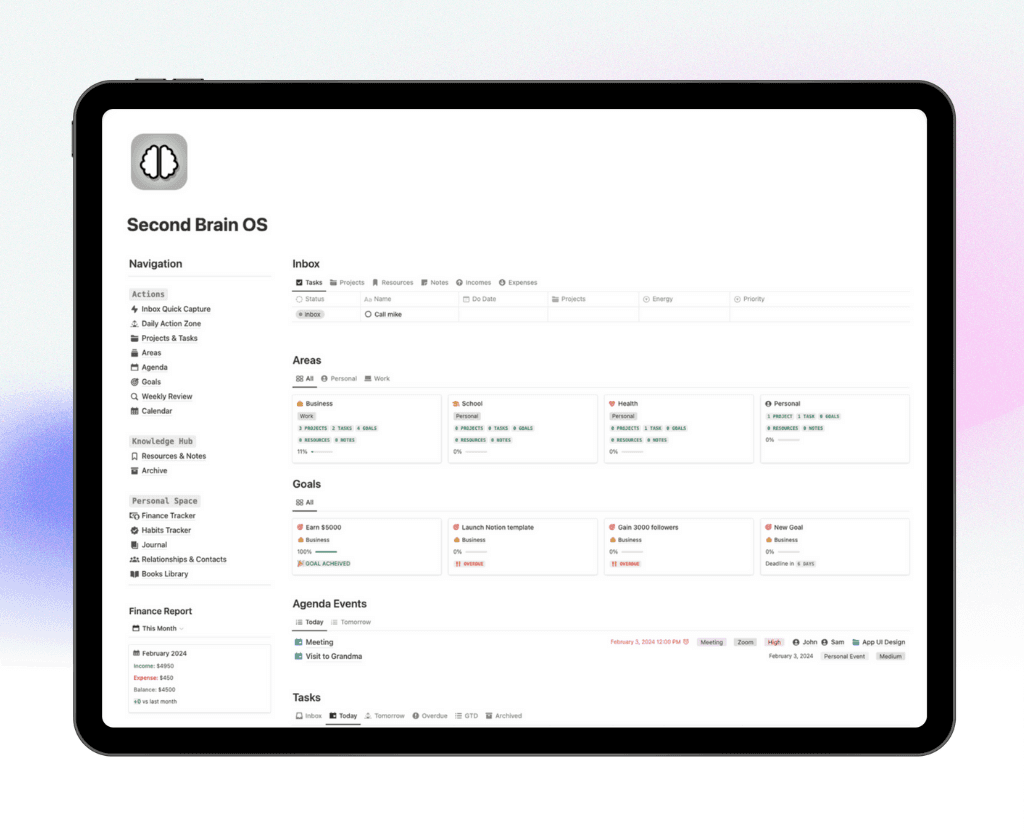
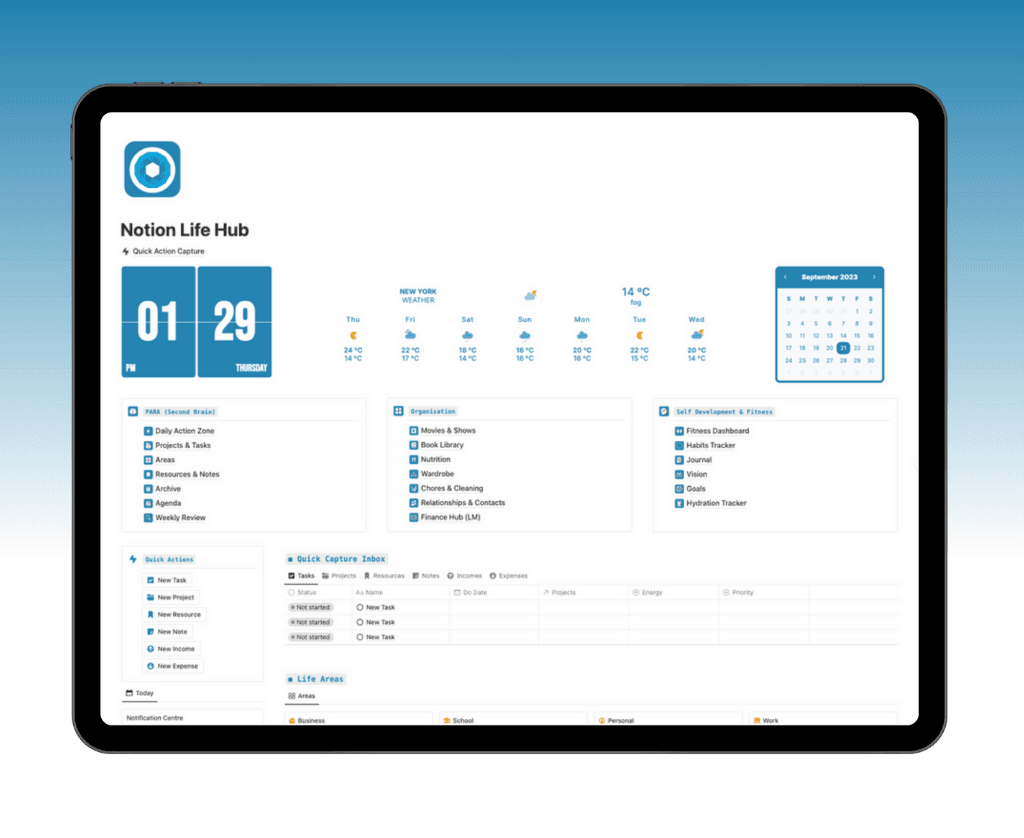
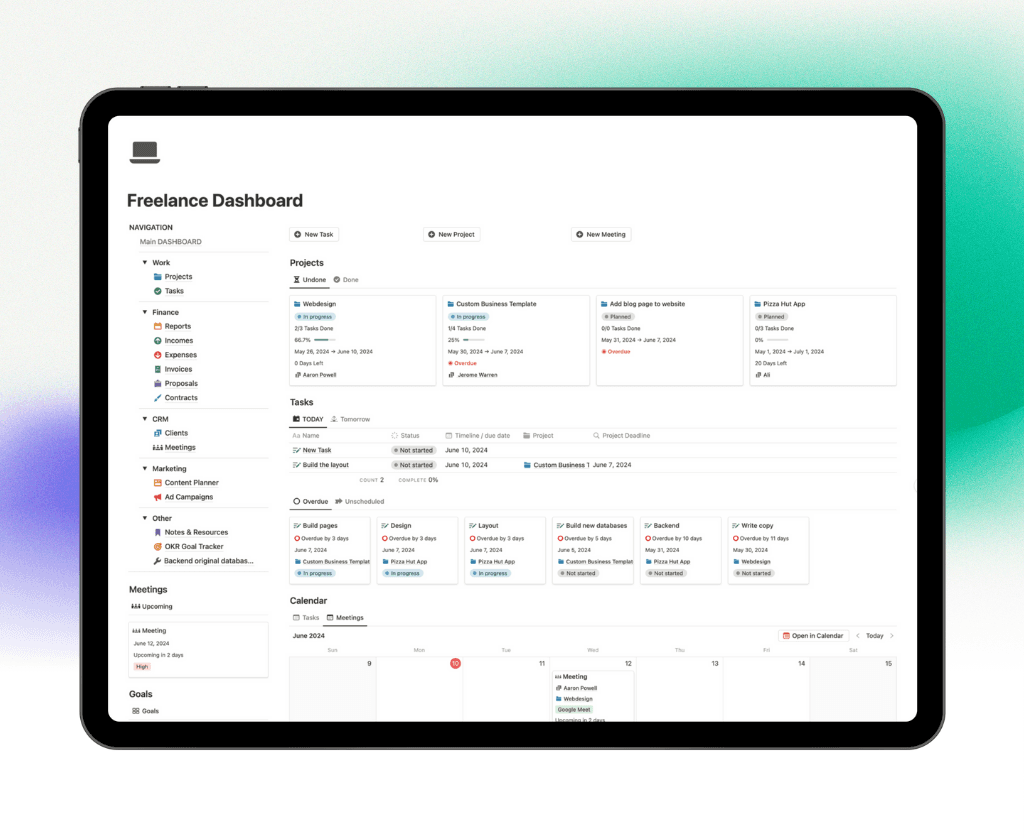
These templates feature Kanban boards, timelines, dashboards, advanced automation, and customizable fields. The project tracker template is built for both business and personal productivity, making it easy to manage multiple projects, deadlines, and deliverables from a single Notion workspace.
Key benefits include lifetime updates, expert support, and deep customization. Users can add or remove fields, adjust views, and automate repetitive tasks to align with any workflow. Over 30,000 customers trust these templates for their reliability and expert guidance.
A common use case is freelancers juggling several client projects. The project tracker template lets them visualize progress, assign deadlines, and centralize client feedback, reducing miscommunication and missed milestones.
One advantage is the strong community and regular updates. Users also benefit from integration with popular Notion dashboard templates, which enhance real-time progress tracking. However, a Notion account is required, and those unfamiliar with Notion may face a brief learning curve.
If you want to explore more dashboard layouts, check the Best Notion Dashboard Templates for additional inspiration and ways to boost your workflow.
2. Airtable Project Tracker Template
Airtable’s project tracker template is a powerhouse for visual, collaborative, and highly customizable project management. With a free tier and paid plans starting at $10 per user per month, it scales easily from individuals to large teams.
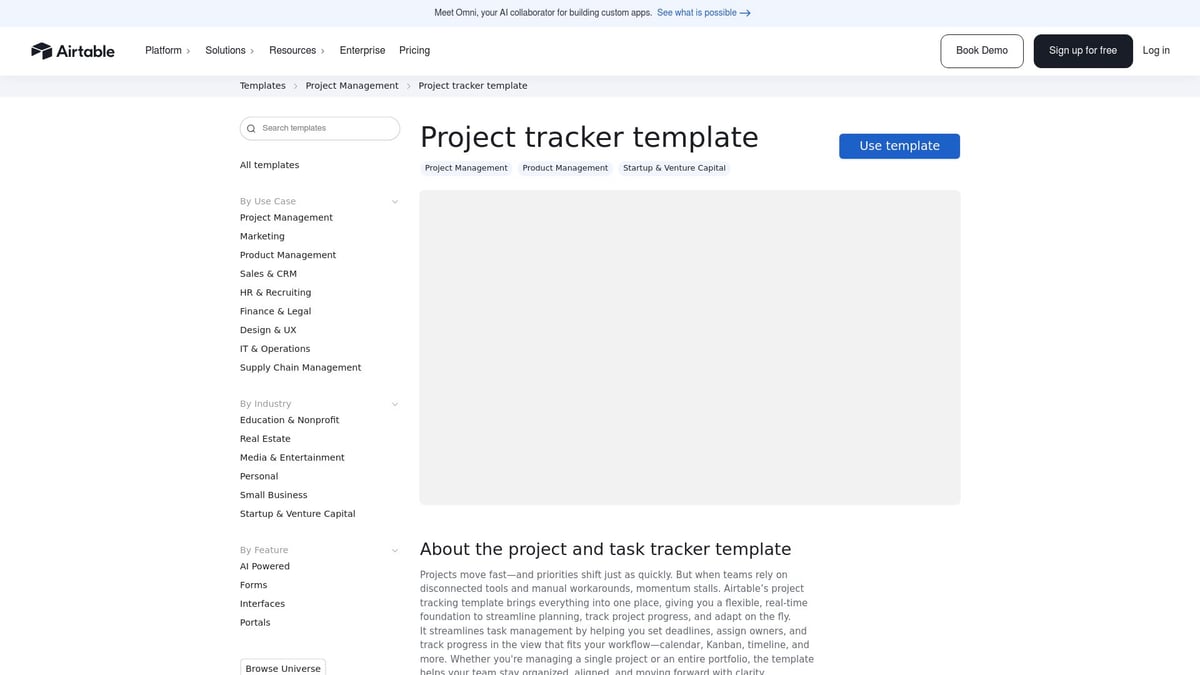
This project tracker template features grid, Kanban, calendar, and timeline views, allowing teams to switch perspectives as needed. AI-powered automations handle repetitive tasks, while integrations with Slack, Google Drive, and Jira deliver seamless workflow connectivity.
Airtable excels at real-time project tracking and reporting. Teams use it to manage everything from marketing campaigns to product launches, benefitting from instant updates and advanced analytics. For example, a marketing team might use the project tracker template to coordinate campaigns across multiple channels and visualize deadlines in a single dashboard.
The flexible interface lets users add custom fields, automate reminders, and build dashboards that suit their workflow. Advanced features are available on paid plans, and new users may need some time to master the platform.
Teams looking for a highly visual project tracker template with robust integration and automation capabilities will find Airtable a strong contender. Its ability to adapt to changing workflows ensures relevance for 2026’s dynamic work environment.
3. Jira Project Tracking Template
Jira’s project tracker template is the industry standard for software development, engineering, and agile teams. Free for up to 10 users (with paid plans from $7.75 per user per month), it’s ideal for teams managing complex or large-scale projects.
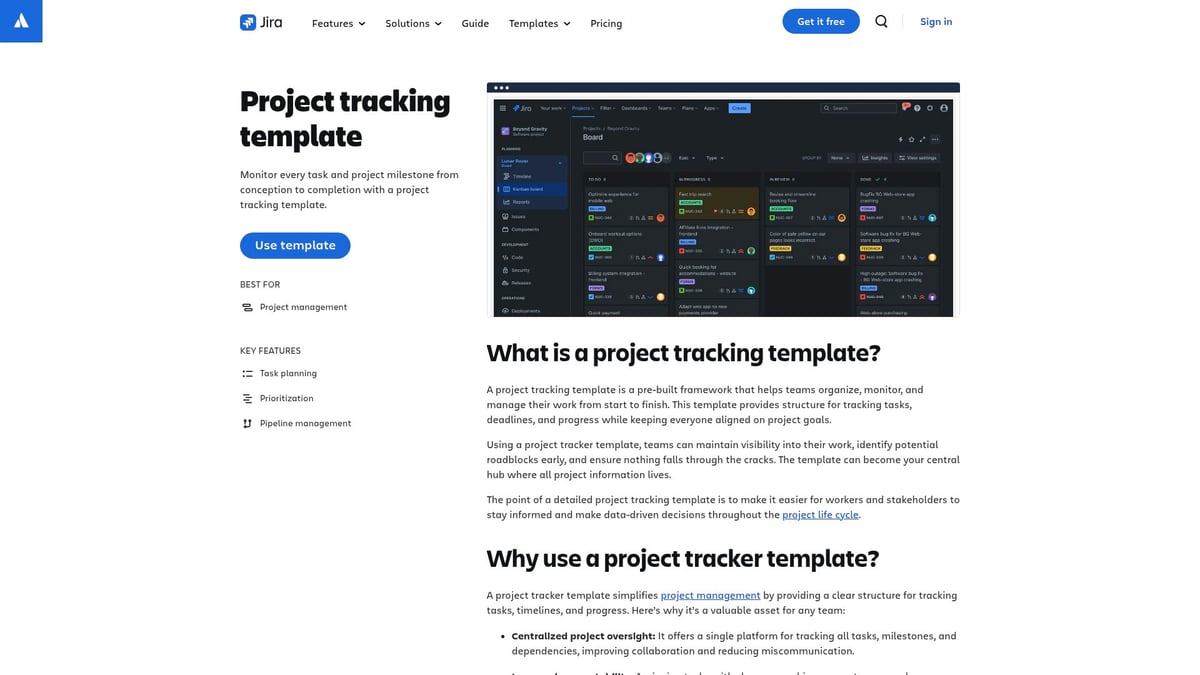
The core features of this project tracker template include Kanban boards, timelines, customizable workflows, issue tracking, and advanced reporting. Jira’s deep customization supports agile methodologies, making it easy to plan sprints, groom backlogs, and track iterative progress.
One of the standout benefits is its integration ecosystem. Teams can connect Jira with Slack, Confluence, and hundreds of other tools to streamline communication and documentation. The project tracker template also offers powerful automation for repetitive tasks, reducing manual overhead.
Software and product teams use Jira to run sprints, monitor releases, and manage bug tracking all in one place. The visual dashboards highlight bottlenecks, helping teams resolve blockers quickly and maintain project momentum.
While Jira is robust, its depth can be overwhelming for smaller teams or those new to agile frameworks. However, for organizations prioritizing accountability, transparency, and detailed reporting, this project tracker template sets the benchmark for 2026.
4. ClickUp Project Tracker Template
ClickUp’s project tracker template is known for its versatility, supporting agencies, startups, and remote teams with a flexible and collaborative workspace. The platform offers a free plan and paid options from $7 per user per month, making it cost-effective for various budgets.
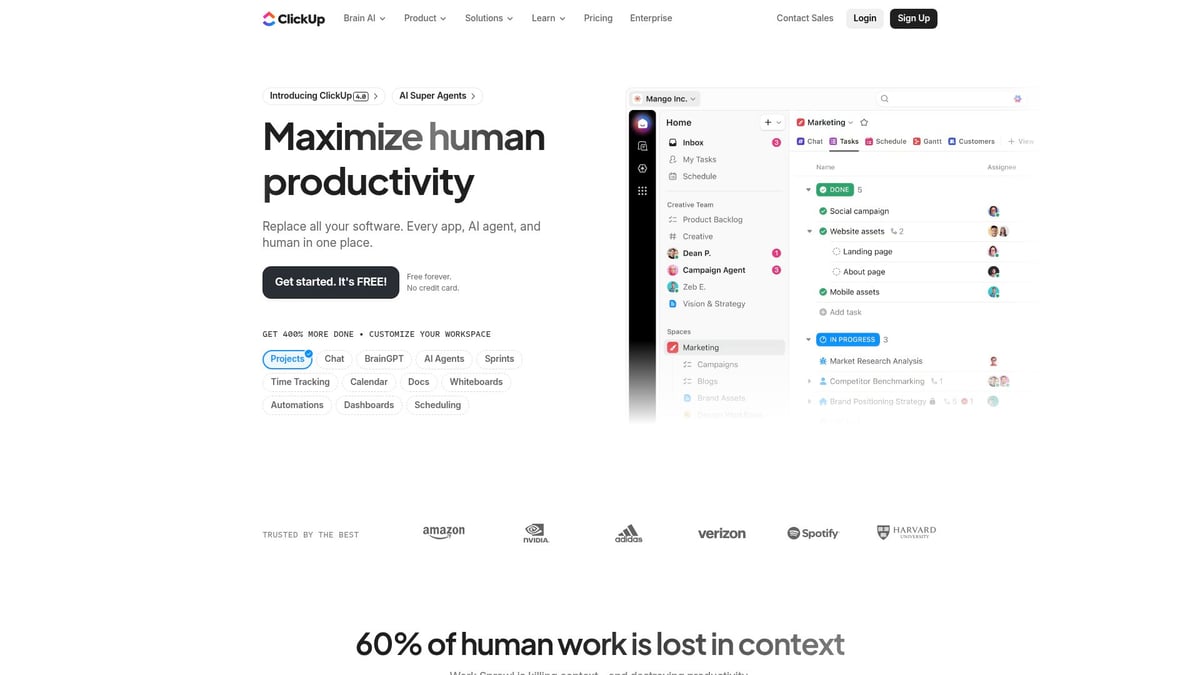
This project tracker template provides multiple view options such as List, Board, Gantt, and Calendar. It supports task dependencies, time tracking, and goal setting to ensure every project stays on schedule. Automation features help eliminate repetitive tasks, while integrations with Slack, Google Drive, and other popular tools keep everything synced.
Teams can tailor the project tracker template with custom fields, statuses, and notifications, creating a workflow that matches their specific needs. Agencies, for example, use it to manage client deliverables, allocate resources, and visualize deadlines across projects.
ClickUp also provides strong reporting and collaboration tools, making it easy to update stakeholders and track progress in real time. The feature-rich interface may seem overwhelming to beginners, but the learning curve is offset by the platform’s extensive support resources.
If you need a project tracker template that adapts to both personal and team projects, ClickUp’s flexibility and integration capabilities make it a top choice for 2026 workflows.
5. Smartsheet Project Tracking Template
Smartsheet delivers a project tracker template with a familiar spreadsheet-style interface, making it an excellent option for enterprises, operations teams, and managers migrating from Excel. A free trial is available, with paid plans starting at $7 per user per month.
The project tracker template comes equipped with Gantt charts, dashboards, automated workflows, and resource management features. Teams can track cross-departmental initiatives, manage resource allocation, and monitor project progress in real time.
One key advantage is scalability, allowing organizations to manage everything from single projects to complex portfolios. Automated alerts and reminders help keep teams accountable, while enterprise-grade security ensures data privacy.
Operations teams often use Smartsheet’s project tracker template to coordinate multi-team projects and align deliverables with business objectives. The platform’s robust reporting and analytics tools support data-driven decision making.
While Smartsheet offers a powerful suite of features, advanced capabilities are reserved for higher-tier plans. The interface is less visual than Kanban-centric tools, but its familiarity is a plus for those comfortable with spreadsheets.
Smartsheet’s project tracker template is a reliable choice for organizations seeking streamlined project management with strong reporting and automation.
6. Trello Project Tracker Template
Trello’s project tracker template stands out for its simplicity and visual clarity, making it ideal for small teams, startups, and personal projects. With a free plan and paid options from $5 per user per month, it’s a budget-friendly introduction to project management.
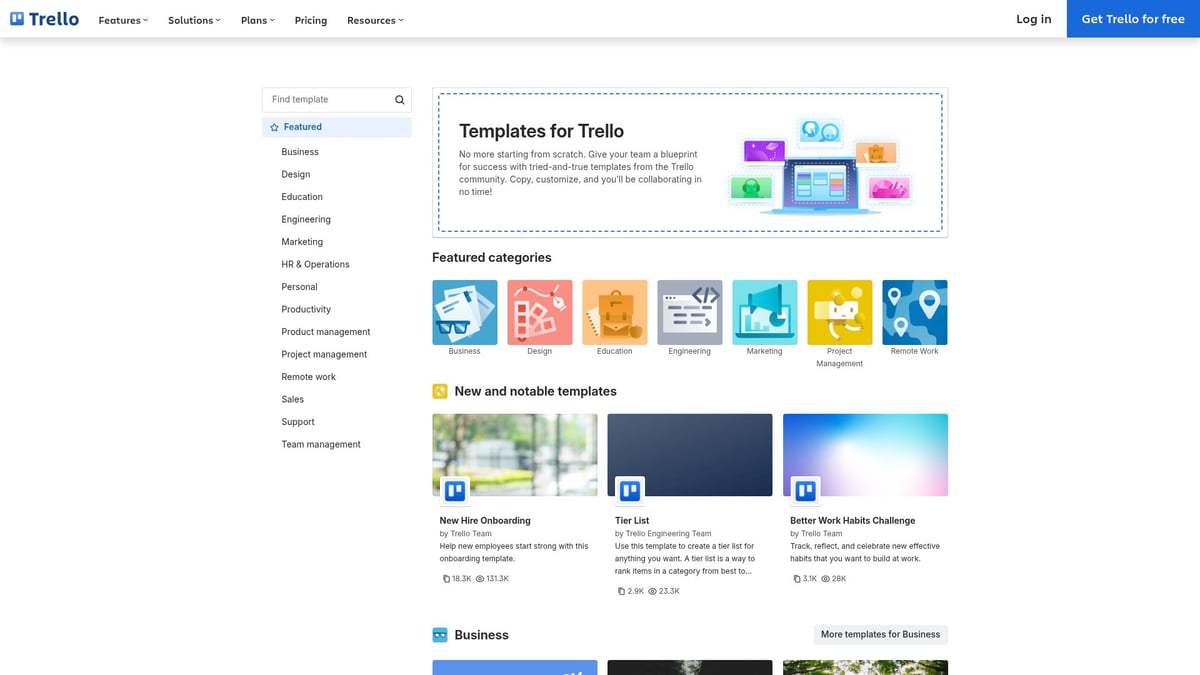
This project tracker template uses Kanban boards, checklists, due dates, and Power-Ups for added integrations. Automation via the Butler tool helps with recurring tasks and reminders, reducing manual workload.
Startups and founders often rely on Trello’s project tracker template to manage product launches, track assignments, and visualize task progress. The drag-and-drop interface is intuitive, enabling quick onboarding for new users.
While Trello is flexible and easy to use, its reporting capabilities are limited in the free version, and it may not meet the needs of more complex projects. However, its strong community support and customization options make it a solid choice for straightforward workflows.
For teams wanting a visual, accessible, and collaborative project tracker template, Trello continues to deliver value and efficiency into 2026.
7. Asana Project Tracker Template
Asana’s project tracker template is designed for cross-functional business teams, including marketing, HR, and creative departments. The platform offers a free basic plan and paid tiers starting at $10.99 per user per month.
This project tracker template features list, board, and timeline views, task dependencies, milestones, and workload management. Integrations with tools like Slack and Google Drive streamline communication and file sharing.
HR teams, for instance, use Asana’s project tracker template to manage recruitment pipelines and onboarding processes. The intuitive interface and robust mobile app make it easy for teams to stay connected and productive, whether in the office or remote.
Asana’s automation capabilities reduce manual work, and its dashboards provide real-time insights into project health. Some advanced features are limited to paid plans, and customization options are less extensive compared to platforms like Notion or Airtable.
For organizations seeking a user-friendly, scalable, and collaborative project tracker template, Asana remains a top recommendation for 2026.
Best Practices for Implementing Project Tracker Templates
Implementing a project tracker template effectively can be the difference between project chaos and smooth delivery. By following these best practices, you set your team up for greater clarity, speed, and accountability.
Define Clear Objectives and Success Metrics
Begin by identifying your project’s goals, deliverables, and performance indicators. A project tracker template works best when you know exactly what outcomes matter. For example, use sprint goals and velocity tracking in Jira to measure progress. Clear objectives ensure your team aligns efforts and can adapt quickly when metrics shift.
Onboard Your Team and Assign Roles
Smooth onboarding is vital for adoption. Train your team on the chosen project tracker template, provide resources, and clarify responsibilities. Assign specific roles and permissions so that everyone knows their part. For instance, in Airtable, you can set ownership and control access, which reduces confusion and speeds up collaboration.
Customize Templates for Your Workflow
Tailor your project tracker template to fit your team’s unique processes. Adjust fields, views, and automations for maximum relevance. For inspiration, explore Best Notion Productivity Templates to see how effective customization can streamline workflows and improve results. Personalization ensures your template meets real-world needs.
Integrate with Key Tools for Seamless Workflow
A powerful project tracker template should connect with your existing tools. Integrate with platforms like Slack, Google Drive, or CRM systems to centralize communication and files. For example, linking Asana with Slack provides instant task notifications, keeping everyone informed without extra effort.
Set Up Regular Reviews and Progress Updates
Schedule consistent check-ins, whether weekly or daily, to update project status and resolve blockers. Using a project tracker template like Trello’s calendar view for planning sessions ensures everyone stays aligned. Frequent reviews drive accountability and help you catch issues before they escalate.
Leverage Analytics and Dashboards for Data-Driven Decisions
Harness the analytics and dashboards within your project tracker template to monitor real-time trends. Visualizing resource allocation and performance, as in Smartsheet dashboards, allows you to make smarter pivots. Data-driven insights empower teams to optimize processes and deliver results consistently.
Iterate and Improve Based on Feedback
Continually refine your project tracker template based on team feedback and performance data. Adjust workflow stages or fields to enhance efficiency. For example, modify stages in ClickUp after each project cycle. This iterative approach ensures your tracking process evolves with your team’s needs.
As you’ve seen throughout this guide, choosing the right project tracker template can truly transform how you manage tasks, collaborate with your team, and achieve your goals—especially as workflows become more dynamic in 2026. If you’re looking to streamline your entire process with a solution trusted by over 30,000 users and designed for both personal and professional growth, I highly recommend exploring the Get the Ultimate Notion Bundle. This comprehensive toolkit gives you everything you need to stay organized, boost productivity, and confidently tackle any project that comes your way.
← All Posts
Get Lifetime Access
Get instant lifetime access to all current and future Notion templates.
✓ 8 Premium Notion Templates
✓ Lifetime Access
✓ Access to all Future Templates
✓ $300+ value
✓ Bonus 10 Templates
$119
$299
Get it Now
70% OFF