← All Posts

Hashim Sultan

Table Of Content


Task management vs. project management: what's the difference, and which one should you use? Whether you're working independently, leading a team, running a business, or managing multiple deadlines, understanding how these two approaches work can help you organize your responsibilities more effectively.
Although the terms are often used interchangeably, they serve different purposes. Task management focuses on organizing and completing individual responsibilities, while project management brings together multiple tasks, resources, timelines, and people to achieve a larger goal.
Understanding the difference between task management and project management can help you improve your workflow, stay organized, reduce missed deadlines, and make better decisions about how to manage your work.
What Is Task Management?
Task management is the process of organizing, prioritizing, tracking, and completing individual tasks. It helps you keep track of your responsibilities, understand what needs your attention, and ensure that important work doesn't get overlooked.
A task can be something as simple as replying to an email, preparing a presentation, reviewing a document, or attending a meeting. It can also be a smaller step within a much larger project.
Effective task management involves more than creating a to-do list. It requires knowing which tasks are important, when they need to be completed, how much time they will take, and whether they depend on someone else.
Key Elements of Task Management
Task organization: Keeping all your responsibilities in one place rather than scattered across notes, emails, and reminders.
Prioritization: Identifying which tasks need immediate attention and which can wait.
Deadline management: Assigning due dates to ensure tasks are completed on time.
Progress tracking: Monitoring tasks from the moment they are created until they are completed.
Time management: Allocating enough time to complete tasks without overwhelming your daily schedule.
For example, if you're a student preparing for examinations, your task management system might include revising a chapter, completing an assignment, reviewing past papers, and attending a lecture. Each task has a deadline, a priority, and a completion status.
Similarly, a marketing professional might manage tasks such as writing a social media caption, reviewing campaign analytics, responding to client feedback, and scheduling a post.
The purpose of task management is to make everyday work easier to manage. Instead of constantly trying to remember everything, you have a structured system that tells you what needs to be done next.
What Is Project Management?
Project management is the process of planning, organizing, executing, and monitoring a project from its beginning to its completion. Unlike task management, which focuses on individual activities, project management considers the bigger picture.
A project usually has a specific objective, a defined timeline, several tasks, resources, and a desired outcome. It may involve multiple people, departments, or stakeholders working together toward a shared goal.
Project management ensures that all the moving parts work together effectively. It helps teams understand what they are trying to achieve, what needs to happen along the way, who is responsible for each activity, and whether the project is progressing according to plan.
Key Elements of Project Management
Project planning: Defining the project's objectives, scope, deliverables, and overall approach.
Timeline management: Establishing milestones, deadlines, and the sequence of activities.
Resource allocation: Assigning people, budgets, tools, and other resources where they are needed.
Team coordination: Ensuring that everyone understands their responsibilities and how their work connects with others.
Risk management: Identifying potential problems early and preparing for delays or unexpected challenges.
Progress monitoring: Evaluating whether the project is on track and adjusting plans when necessary.
For example, launching a new website is a project. It involves planning the website structure, writing content, designing pages, developing features, testing functionality, reviewing feedback, and publishing the final website.
Each of these activities contains several individual tasks, but they all contribute to the same outcome. Project management helps coordinate these activities so that the website is delivered within the agreed timeline, budget, and scope.
Task Management vs. Project Management: Key Differences
The biggest difference between task management and project management is the level at which work is organized. Task management deals with individual responsibilities, while project management deals with the coordination of an entire initiative.
Aspect | Task Management | Project Management |
|---|---|---|
Primary focus | Individual tasks and responsibilities | Overall project objectives |
Scope | Smaller, specific activities | Larger initiatives with multiple activities |
Timeframe | Focuses on completing individual activities | Focuses on coordinating work toward a defined deliverable |
Complexity | Usually straightforward | Often involves multiple dependencies |
Planning | Priorities, deadlines, and task lists | Scope, milestones, timelines, and resources |
Responsibility | Individuals or small teams | Project managers, teams, and stakeholders |
Tracking | Task status and completion | Overall progress, milestones, risks, and deliverables |
Tools | To-do lists, task boards, reminders | Project plans, timelines, dashboards, and project boards |
Outcome | Completed individual work | A completed project or defined objective |
While these differences help distinguish the two, task management and project management are not competing approaches. In most workplaces, they operate together. Project management provides the structure, while task management ensures that the individual pieces of work get completed.
How Task Management and Project Management Work Together
A project cannot move forward without tasks, and tasks are often more meaningful when they contribute to a larger objective. This is why task management and project management are most effective when used together.
Consider a business preparing to launch a new product.
The project might be called New Product Launch, with a target launch date of September 1. The project requires marketing, product development, design, customer support, and sales teams to coordinate their work.
The project plan may include several major milestones:
Product development completed
Marketing campaign prepared
Website and product pages published
Sales team trained
Product officially launched
Each milestone can then be broken down into individual tasks. For example, the marketing campaign might involve writing promotional content, designing graphics, creating email campaigns, scheduling social media posts, and reviewing campaign performance.
The project manager tracks the overall progress of the launch, including deadlines, dependencies, and whether each department is meeting its milestones. Meanwhile, individual team members use task management to organize their daily responsibilities and complete their assigned work.
This creates a clear relationship between the two:
Project → Milestones → Tasks → Completed work
When tasks are completed consistently, the project moves forward. When tasks are delayed, project managers can identify the problem and adjust timelines or resources before the delay affects the entire project.
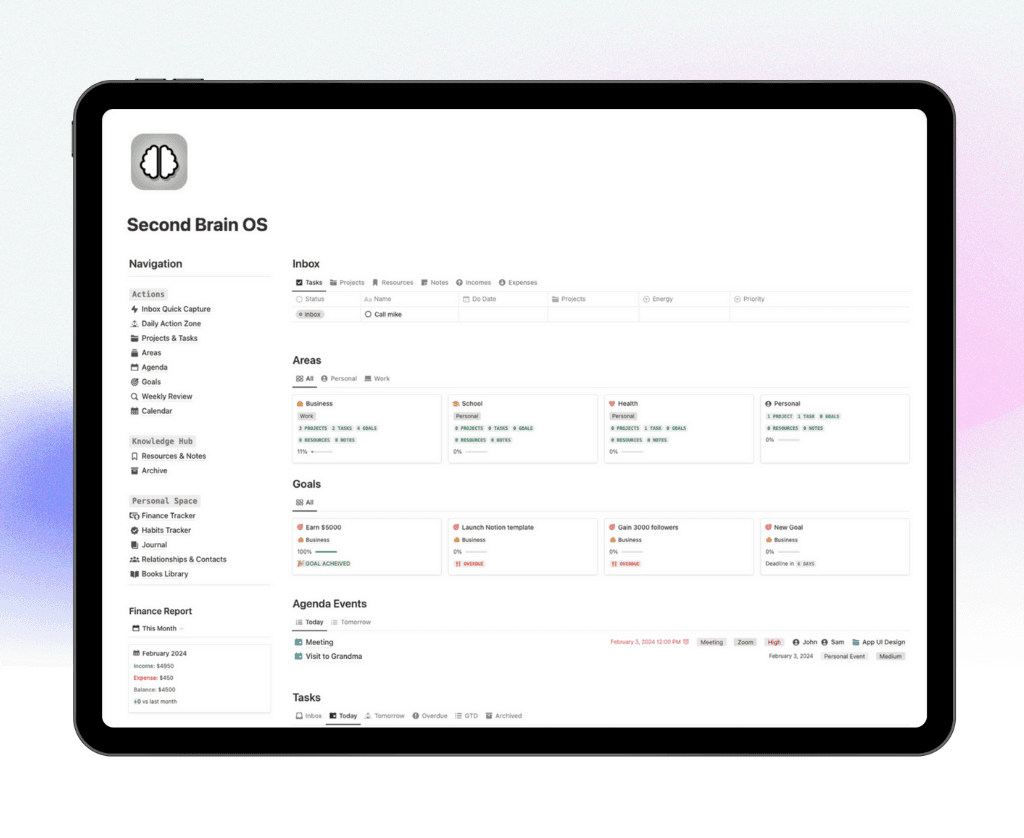
If you're looking to organize tasks, routines, projects, and personal responsibilities within one structured workflow, the Getting Things Done (GTD) Notion template can be a useful starting point. It helps you capture everything you need to do, organize it into manageable actions, and keep track of your commitments without relying on memory.
When Should You Use Task Management?
Task management is particularly useful when you have multiple responsibilities competing for your attention. It helps you stay organized without needing to create a complicated project plan for every activity.
You should use task management when:
You have multiple daily or weekly responsibilities.
You frequently forget deadlines or follow-up activities.
You want to prioritize your workload more effectively.
You need to track recurring tasks.
You want to monitor your personal productivity.
You need a clear overview of what is pending, in progress, or completed.
Task management is useful for students, freelancers, employees, entrepreneurs, and anyone dealing with a busy schedule.
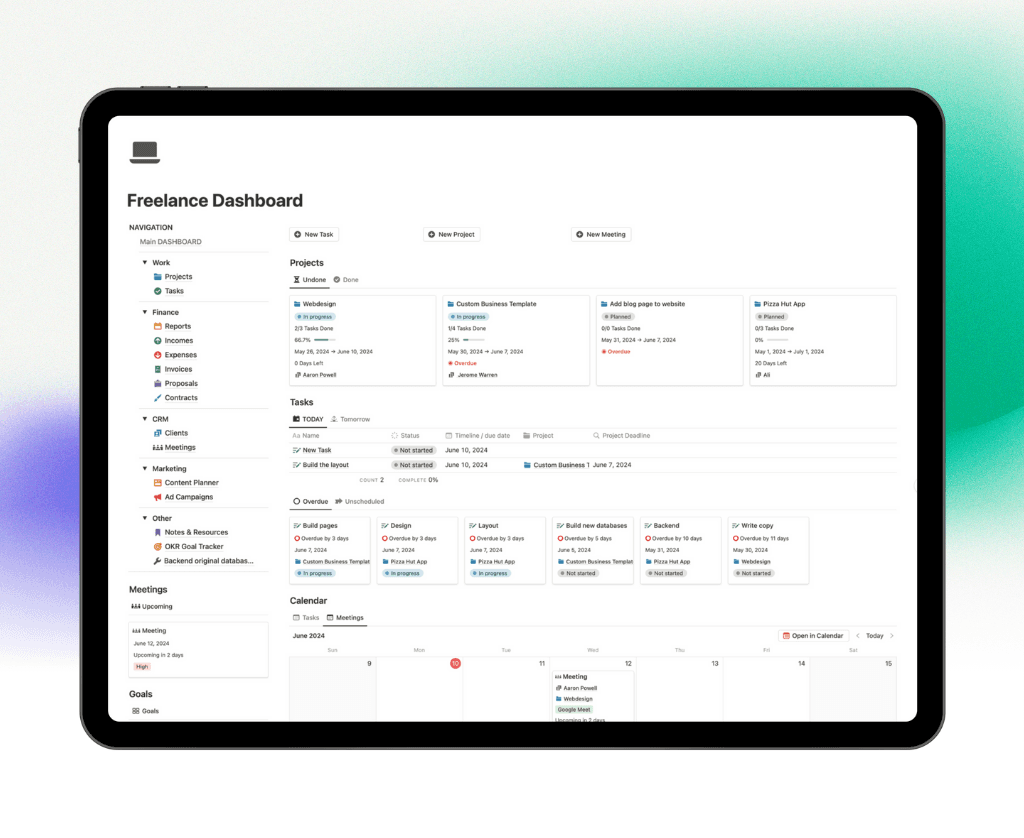
For example, a freelancer managing multiple clients may have tasks related to writing content, editing projects, sending invoices, attending meetings, and responding to feedback. A well-organized task management system allows them to keep track of these responsibilities without mixing up client work or missing deadlines.
The key is to keep your task management system simple enough to use consistently. If maintaining your task list becomes more time-consuming than completing the tasks themselves, your system is probably too complicated.
If you need a straightforward way to manage daily responsibilities, deadlines, priorities, and pending work, the Notion Task Manager is a practical option. It gives you a dedicated space to organize tasks, track progress, and maintain a clearer picture of your workload instead of relying on scattered notes and reminders.
When Should You Use Project Management?
Project management becomes necessary when the work you're handling is larger than a collection of independent tasks. If several activities need to happen in a particular order, multiple people are involved, or you have a specific outcome to deliver within a timeline, project management can help you maintain control.
You should use project management when:
You're working toward a specific, measurable objective.
The work involves multiple tasks or phases.
Several people or teams need to coordinate.
Tasks depend on the completion of other activities.
You have a defined budget, deadline, or resource requirement.
You need to track project progress and identify potential delays.
For example, opening a new business location involves more than completing a checklist. You may need to find a location, arrange financing, acquire permits, purchase equipment, hire employees, establish inventory, and prepare for opening day.
Some activities cannot begin until others are completed. Equipment may need to be installed before staff training begins, while the location must be ready before the business can officially open. Project management helps organize these dependencies and ensures that everyone understands how their responsibilities fit into the overall plan.
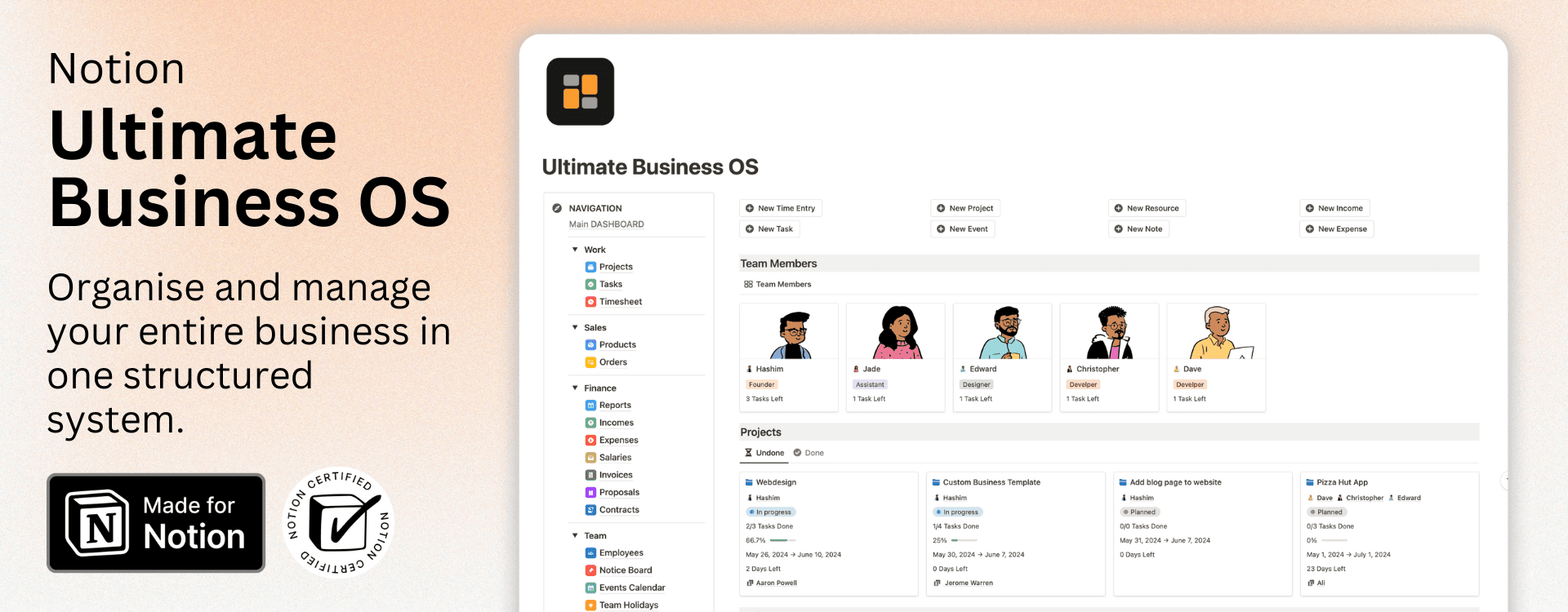
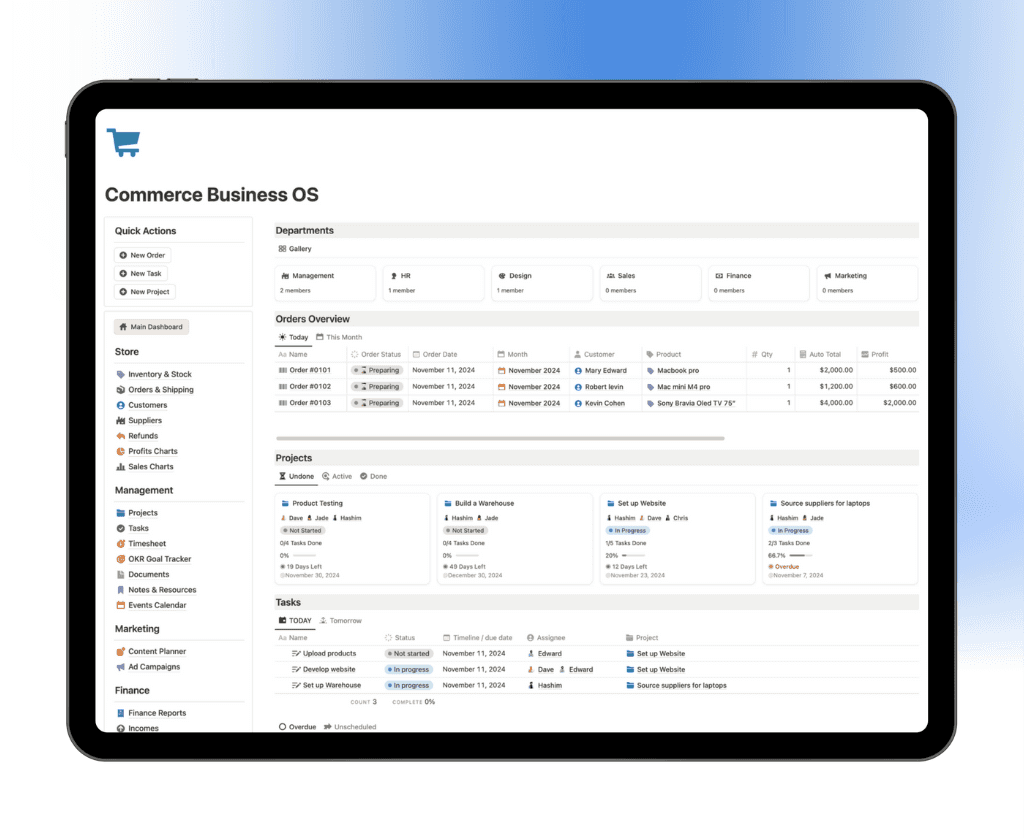
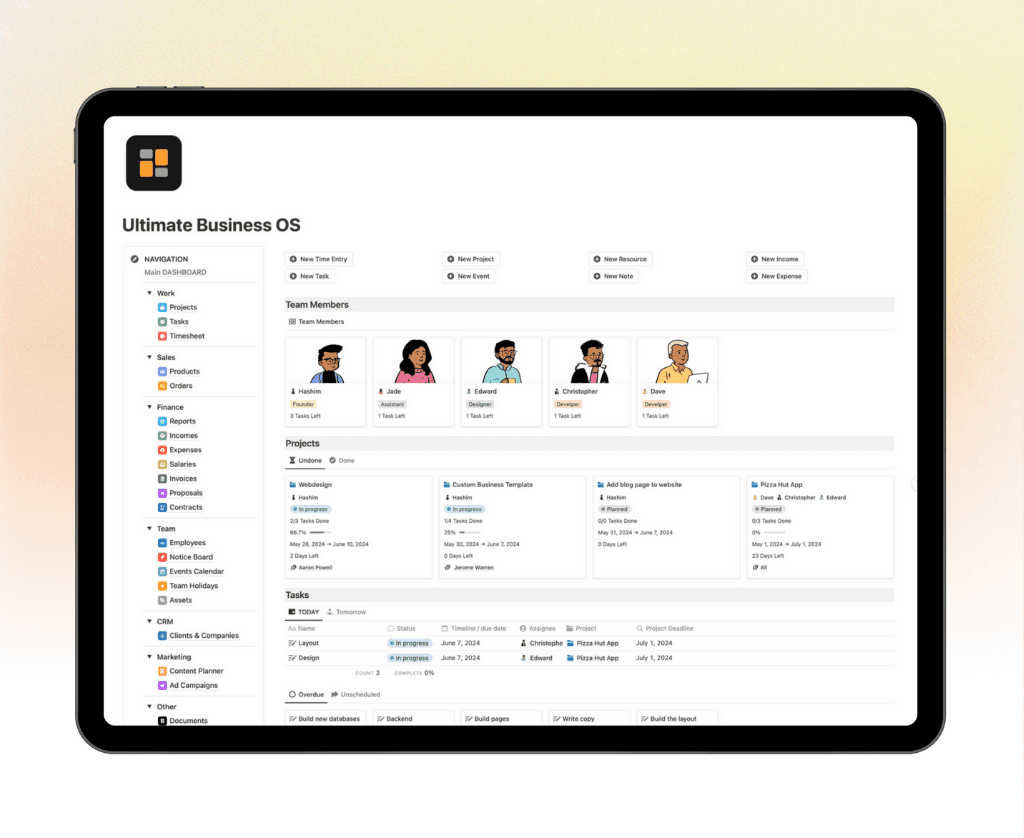
For businesses managing several operations simultaneously, a centralized system becomes especially valuable. The Ultimate Business OS Notion template provides a structured workspace for organizing business operations, projects, tasks, and other essential workflows. Rather than managing everything across separate tools, it can help bring important business activities into one connected system.
How to Manage Tasks and Projects Together in Notion
One of the most effective ways to manage both tasks and projects is to create a system where they are connected instead of treating them as separate responsibilities.
Notion allows you to build databases, create different views of the same information, connect tasks with projects, and customize your workspace according to how you work.
1. Create a Central Task Database
Start by creating a task database where all your tasks are stored. Each task should have a few essential properties, such as:
Task name
Status (Not Started, In Progress, Completed)
Due date
Priority
Assigned person
Related project
Keeping all your tasks in one database makes it easier to filter and organize work. You can create a daily view that shows only today's tasks, a priority view for urgent work, or a weekly view to plan ahead.
2. Create a Separate Project Database
If you're managing multiple projects, create a project database to track them individually.
Each project can include information such as its name, objectives, deadline, project status, owner, and progress. This gives you an overview of everything you're working on without needing to open every individual task.
For example, your projects database might contain:
Website Redesign
Marketing Campaign
New Product Launch
Client Onboarding System
Each project can have its own timeline, milestones, and associated tasks.
3. Connect Tasks to Their Respective Projects
This is where your system becomes significantly more useful.
Using a Relation property in Notion, you can connect each task to a project. Instead of having separate task lists that are difficult to track, every task becomes part of a larger structure.
If you're working on a website redesign, tasks such as creating wireframes, reviewing copy, testing mobile responsiveness, and publishing the website can all be connected to the same project.
This makes it easier to see which tasks belong to which project, how much work remains, and whether a project is progressing as expected.
4. Build a Dashboard for an Overall View
Once your databases are connected, create a dashboard that brings your most important information together.
Your dashboard might include:
Today's tasks
Overdue tasks
Upcoming deadlines
Active projects
Projects approaching completion
High-priority tasks
Recently completed work
Instead of switching between multiple pages to understand what needs your attention, you can access everything from one workspace.
If you'd like a ready-made starting point for this type of setup, explore the Advanced Project Manager Notion template in our free Notion templates collection.
The goal isn't to create the most complicated Notion setup. It's to create a system that gives you clarity, reduces unnecessary mental effort, and makes it easier to take action.
Common Task and Project Management Mistakes to Avoid
Even with the right tools, task and project management systems can become ineffective if they aren't used properly.
1. Treating Every Task as a Project
Not every responsibility requires a project plan, timeline, or multiple databases. Creating a complicated structure for simple tasks can waste time and make your workflow unnecessarily difficult.
Use task management for straightforward responsibilities and reserve project management for work that genuinely requires planning and coordination.
2. Creating Tasks Without Clear Outcomes
Tasks such as "work on marketing" or "study biology" are too vague to provide direction.
Instead, break them into specific actions such as "write three social media captions for the product launch" or "revise the cardiovascular physiology chapter and complete 20 MCQs."
Clear tasks make it easier to start, measure progress, and determine when the work is finished.
3. Ignoring Priorities
Having a long task list doesn't necessarily mean you're productive. If every task is marked urgent, it becomes difficult to determine what actually matters.
Prioritize work based on importance, deadlines, impact, and dependencies. This ensures that your time is spent on activities that contribute meaningfully to your goals.
4. Overcomplicating Your System
Adding too many categories, properties, dashboards, and views can make a productivity system difficult to maintain.
Start with the essentials and add features only when you genuinely need them. A simple system that you use consistently is far more effective than an elaborate one that you abandon after a week.
5. Failing to Review Progress
Tasks and projects should not simply be created and forgotten.
Review your task list regularly, update project statuses, adjust deadlines, and identify work that is no longer relevant. A weekly review is particularly helpful for checking what you completed, what remains pending, and what needs to be prioritized next.
Frequently Asked Questions
Is task management part of project management?
Yes. Task management is an important part of project management. Projects are made up of individual tasks, and completing those tasks helps achieve the project's overall objectives.
However, task management can also be used independently for everyday responsibilities that aren't part of a formal project.
Can I manage projects without a project management tool?
Yes. Small projects can be managed using spreadsheets, checklists, calendars, or simple task lists. However, as projects become more complex and involve more people, dedicated project management tools can make it easier to track progress, manage deadlines, coordinate responsibilities, and identify problems.
Is Notion better for task management or project management?
Notion can be used for both. It allows users to create task databases, project trackers, timelines, calendars, dashboards, and connected databases. Its flexibility makes it particularly useful for people who want to manage individual tasks and larger projects within the same workspace.
What is the difference between a task, a project, and a goal?
A goal describes what you want to achieve. A project is a structured effort to accomplish that goal, and tasks are the individual actions required to complete the project.
For example:
Goal: Grow an online business.
Project: Launch a new product within three months.
Tasks: Conduct market research, create the product, design packaging, build a landing page, and prepare a marketing campaign.
Understanding this hierarchy makes it easier to organize your work and connect daily activities to meaningful outcomes.
Final Thoughts
Task management and project management serve different purposes, but both are essential for working efficiently. Task management helps you stay on top of your daily responsibilities, while project management helps you organize complex work, coordinate people, manage resources, and achieve larger objectives.
The most effective approach isn't choosing one over the other. It's understanding when to use each and building a system where individual tasks contribute to meaningful progress.
Whether you're managing personal responsibilities, working with a team, or running a business, having a clear structure for your tasks and projects can make your workload easier to manage and your goals more achievable.
With the right workflow and a system that works for you, you spend less time trying to figure out what needs to be done—and more time actually getting it done.
← All Posts
Get Lifetime Access
Get instant lifetime access to all current and future Notion templates.
✓ 8 Premium Notion Templates
✓ Lifetime Access
✓ Access to all Future Templates
✓ $300+ value
✓ Bonus 10 Templates
$119
$299
Get it Now
70% OFF